


Augmented Reality (AR) experiences have quickly evolved from experimental tech demos into mainstream tools used across entertainment, education, retail, healthcare, and more. Whether it’s enhancing real-world environments with interactive characters or overlaying complex 3D data for training and learning, AR offers a powerful new way to connect with users. But despite all the excitement surrounding AR, one major challenge continues to slow down its adoption: the time and effort required to create high-quality AR animations.
Traditionally, building AR animations involves a series of labour-intensive steps 3D modelling, texturing, rigging, and keyframe animation, to name a few. These tasks often require multiple artists, specialised software, and weeks of back-and-forth refinement. For developers working under tight deadlines or with limited resources, this can become a serious bottleneck in the creative process.
Fortunately, recent advances in artificial intelligence are changing the game. AI agents software systems that can independently perform tasks or assist with complex processes are now being used to speed up AR animation workflows. These intelligent tools can generate or refine 3D assets, automate animation sequences, suggest rigging setups, and even help with lighting and rendering. In short, they make it possible to prototype AR animations faster and more efficiently, without compromising visual quality.
In this article, we’ll show you exactly how to use AI agents to streamline your AR animation prototyping from asset creation to final visual tweaks.
Why Use AI Agents to Prototype AR Animations?
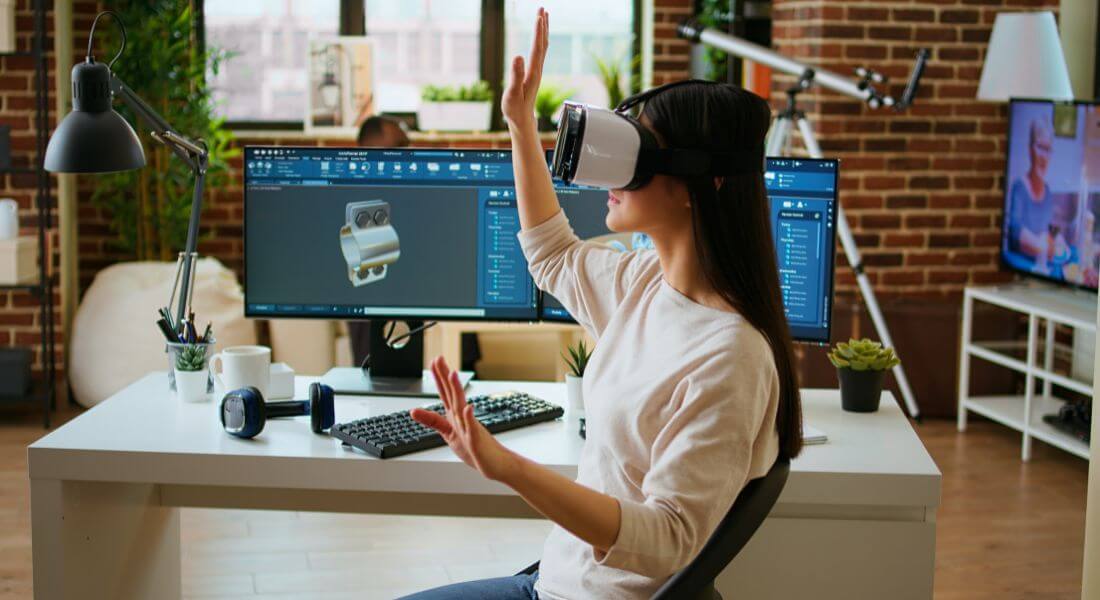
AI agents are revolutionising how AR content is created, and their benefits go far beyond simple automation. When it comes to prototyping AR animations, these intelligent tools can significantly enhance efficiency, creativity, and flexibility making them indispensable for designers, developers, and creative teams alike. Let’s break down why they’re worth using:
1. Time and Cost Efficiency
One of the biggest advantages of using AI agents in AR animation is the dramatic time and cost savings they offer. Traditionally, producing an animated AR prototype requires days or even weeks of work across several stages: conceptualising the design, creating 3D models, rigging, animating, testing, and revising. Each step typically involves manual effort from skilled professionals, which adds both time and expense to the production.
AI agents can streamline this entire workflow. By automating repetitive tasks, such as generating base models or suggesting animation paths, they make it possible to produce a rough prototype in hours instead of days. These early drafts allow teams to test concepts quickly, identify issues early on, and save resources that would otherwise be spent on time-consuming manual labour.
2. Simplified Modelling and Rigging
Modelling and rigging are essential but often technically demanding steps in any 3D animation pipeline. Normally, rigging a character creating a skeleton that can be animated is a meticulous task requiring detailed knowledge of joint hierarchies and mesh deformation. Animating these rigs realistically can be just as complex.
AI tools can drastically reduce this complexity. For example, some AI systems can automatically rig humanoid characters or apply pre-learned motion patterns based on natural human behaviour. Others can generate animations directly from text prompts, voice commands, or 2D sketches. This opens up the animation process to people without specialised 3D skills, allowing faster iteration and reducing the burden on expert animators.
3. Greater Creative Freedom
With the technical heavy-lifting handled by AI agents, creators are free to focus on the fun part: being creative. Instead of getting stuck adjusting vertices, refining rig weights, or debugging keyframe glitches, you can spend your energy exploring different animation styles, storytelling methods, or interaction models.
This is especially useful during the prototyping phase, when you need to test multiple visual directions or conceptual approaches quickly. AI allows for rapid experimentation without the traditional overhead, helping you refine your vision without hitting constant roadblocks.
4. Real-Time Iteration and Feedback
Prototyping isn’t just about creating something it’s about testing, adjusting, and improving. AI tools enable this iterative process by allowing real-time updates to your animations. Whether you want to change a character’s movement style, tweak an interaction, or revise the lighting, AI agents can apply these changes instantly.
This flexibility is critical in fast-paced development environments. You can try out new ideas, get feedback from stakeholders or test users, and implement revisions in minutes instead of waiting days for manual updates. It transforms the animation workflow into a more agile, responsive process perfect for prototyping high-quality AR experiences under tight deadlines.
How to Use AI Agents to Prototype AR Animations
Using AI agents in your AR animation workflow can dramatically reduce production time while boosting creative flexibility. But to get the most out of these tools, it helps to follow a structured approach. Here’s how you can get started:
1. Start with a Concept or Idea

Before diving into AI tools, it’s essential to clarify the creative vision behind your AR animation. Ask yourself: What experience am I trying to build? Are you animating a character, crafting a magical environmental effect, or designing an interactive scene within an AR app? The more specific your concept, the easier it will be to guide the AI toward generating something that aligns with your goals.
You don’t need a fully fleshed-out storyboard at this stage but you should have a rough idea of what you want the user to see, feel, or do.
How AI Helps:
Once you have your concept, AI agents can take it from there quickly generating visual references, sample animations, and interaction prototypes. Many AI-powered platforms allow you to input simple prompts, sketches, or motion references, which they’ll use to create 3D assets or animation sequences.
Some tools even offer moodboarding capabilities, where you can feed in reference images or describe the tone and setting you’re aiming for (e.g., futuristic, minimalist, surreal). Based on this input, the AI can suggest visual styles, animation speeds, lighting setups, or even appropriate sound effects.
Example Prompt:
“Create an AR animation of a humanoid robot examining a floating hologram interface. The robot should move its hands slowly and precisely, and the scene should include soft ambient lighting, subtle glowing effects, and smooth orbital camera transitions.”
With a prompt like this, an AI tool can interpret your description and produce a basic scene, complete with animations and interaction logic. This helps you quickly visualise your idea without having to build everything from scratch.
2. Use AI to Automate Rigging and Animation
With your concept and initial assets ready, the next step in prototyping AR animations is bringing your models to life. This traditionally complex stage rigging and animating 3D characters or objects is where AI agents can offer massive time savings.
Rigging refers to the process of adding a digital skeleton to a model, allowing it to move in a realistic way. Animation, meanwhile, involves defining how those movements happen over time. Both tasks have historically required skilled animators and hours of painstaking manual effort. But with the help of AI, these processes can now be streamlined or even fully automated.
How AI Helps:
AI-powered animation tools are trained on massive datasets of human and object motion. This enables them to generate highly realistic animations from very simple inputs such as a 3D model, a text prompt, or even a video reference. These tools can:
- Automatically rig a 3D character by identifying limbs, joints, and articulation points.
- Apply animations such as walking, waving, or jumping based on standard movement libraries or custom inputs.
- Adapt animations dynamically based on the AR environment, adjusting for scale, obstacles, or interaction context.
This is particularly valuable in AR settings, where animated objects or characters often need to respond fluidly to the user’s physical space. For example, a character might walk around a piece of furniture, crouch under a table, or gesture toward an AR object floating in the environment all generated with the help of AI motion intelligence.
Example Tools:
- DeepMotion – Converts 2D video input into fully rigged and animated 3D characters. Ideal for generating lifelike movements such as dancing, running, or gesturing.
- Reallusion iClone – A professional-grade tool that offers AI-assisted character rigging, facial animation, and lip-syncing from voice or audio input.
Example Prompt:
“Generate realistic walking and running animations for a sci-fi humanoid character, using a custom rig based on the uploaded 3D model. Include idle and turning motions suitable for AR interaction.”
3. Incorporate AR-Specific Interactions
Augmented Reality is more than just placing animated 3D models into real-world environments it’s about interactivity. To create compelling AR prototypes, you need to build animations that respond to users and their surroundings in real time. This means designing behaviours like touch responsiveness, gesture recognition, gaze tracking, and environmental awareness. It’s here that AI agents can add an entirely new layer of realism and responsiveness to your animations.
Unlike static animations in traditional 3D workflows, AR requires your characters or objects to behave dynamically. For example, a virtual pet might follow the user around the room, or a floating data display could tilt and shift as the phone moves. These types of contextual interactions are critical to making AR experiences feel immersive and intuitive.
How AI Helps:
AI agents excel at interpreting user input and simulating environmental responses. They can help you:
- Create physics-based animations that react to real-world movement or device orientation.
- Enable objects to respond to screen touches, hand gestures, or voice commands.
- Adapt animations to environmental changes like lighting, surfaces, and spatial layout using SLAM (Simultaneous Localization and Mapping) data.
- Automatically generate logic trees for how animations should behave in response to different inputs, reducing the need for hand-coded interaction rules.
By leveraging AI to simulate these interactions, you can focus more on designing intuitive user experiences and less on backend technicalities.
Example Prompt:
“Create an AR animation where a floating crystal ball hovers in front of the user and reacts when they swipe across the screen bouncing slightly, glowing brighter, and emitting a subtle sound.”
This kind of interactive behaviour, once laborious to program manually, can now be generated by AI tools that understand gesture patterns, spatial triggers, and device inputs.
4. Iterate and Refine in Real-Time
Prototyping doesn’t stop once you have a working animation. In fact, the real magic happens during the iteration phase where you test, refine, and polish your AR experience based on user feedback, design changes, or technical adjustments. Traditionally, making even small animation tweaks could take hours, requiring re-rigging, re-keyframing, or re-exporting assets. But with AI agents, you can now make these changes in real time.
Whether you want to speed up an action, make transitions feel more fluid, or fine-tune an interaction’s responsiveness, AI tools can help you quickly implement these changes often with just a few inputs or commands.
How AI Helps:
AI agents can analyse existing animation sequences and identify areas for improvement based on motion flow, timing irregularities, or user input. Here’s how they enhance the iteration process:
- Automatic Transition Smoothing: AI can detect jerky or unnatural motion changes (e.g., from idle to running) and apply interpolations to make transitions seamless.
- Physics and Depth Adjustments: Need shadows, collision effects, or weight adjustments? AI can simulate physical realism without manual tweaking.
- Adaptive Motion Refinement: AI can dynamically adjust animations based on feedback loops refining gestures, gaze direction, or timing in relation to user behaviour or environmental changes.
- Style Matching: If your creative direction shifts, AI can help re-style animations to match a new visual tone (e.g., more cartoonish, more cinematic) without redoing everything from scratch.
This kind of fast iteration lets you explore multiple versions of your animation quickly, compare them, and land on the one that best fits your AR experience.
Example Prompt:
“Refine the animation by smoothing the transitions between walking and jumping actions. Add subtle dynamic shadows that respond to ambient lighting and improve depth perception in the AR scene.”
5. Preview and Test the AR Animation
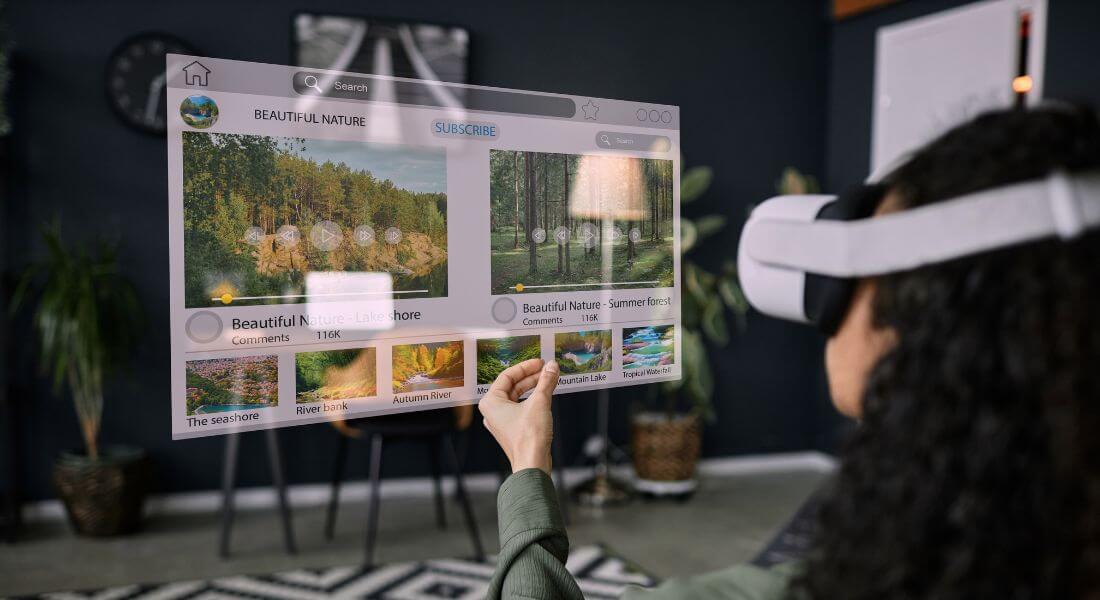
After designing, rigging, animating, and refining your AR prototype, the final step is testing it in a real-world environment. Previewing your animation in AR helps you evaluate how well the elements interact with physical surroundings, user inputs, and lighting conditions. It’s also the moment where your creative vision transitions from concept to interactive reality and where AI agents can help ensure everything runs smoothly.
Testing is a crucial part of the development cycle, as it helps you catch issues that might not be obvious in a standard 3D preview window. You might notice that a character is too small in scale, an animation loops awkwardly, or that interactions don’t feel intuitive. Fixing these issues early can save significant time down the line.
How AI Helps:
AI agents play a major role in making this phase more efficient and flexible. Here’s how:
- Real-Time Simulation: Some AI-enabled platforms let you simulate AR behaviours directly within the development environment, offering instant previews of how animations will respond to movement, light, and user interaction.
- Environment Adaptation: AI can adjust animations based on surface detection, lighting changes, or occlusion (when real-world objects block virtual ones), providing a more accurate preview before you deploy.
- Auto-Tweaking: If something looks off during a test say, a gesture is too slow or a character’s feet don’t align with the ground AI can suggest or apply fixes instantly.
- Cross-Device Testing: AI can help optimise animations for different device specs, screen sizes, or AR capabilities, ensuring consistent performance across platforms.
Example Tools:
- ARCore (Android) or ARKit (iOS): These frameworks use AI to interpret real-world surfaces and user movement, helping test how your animation will behave in a live environment.
- Unity with AI Tools: Unity plugins like NVIDIA’s Omniverse or DeepMotion integrations allow you to preview animated content with AI enhancements in real-time AR simulations.
Final Thought: Bringing AR Animation to Life with AI
Creating dynamic AR animations used to require extensive manual effort, but with the power of AI agents, the process has become faster, more efficient, and more accessible. Whether you’re building interactive characters, environments, or effects, AI tools can help you streamline the animation process and bring your augmented reality projects to life in no time.
You can contact our augmented reality company in London to take your creativity to the next level. We combine AI-assisted animation with innovative AR solutions to create stunning, interactive experiences that captivate audiences.
