

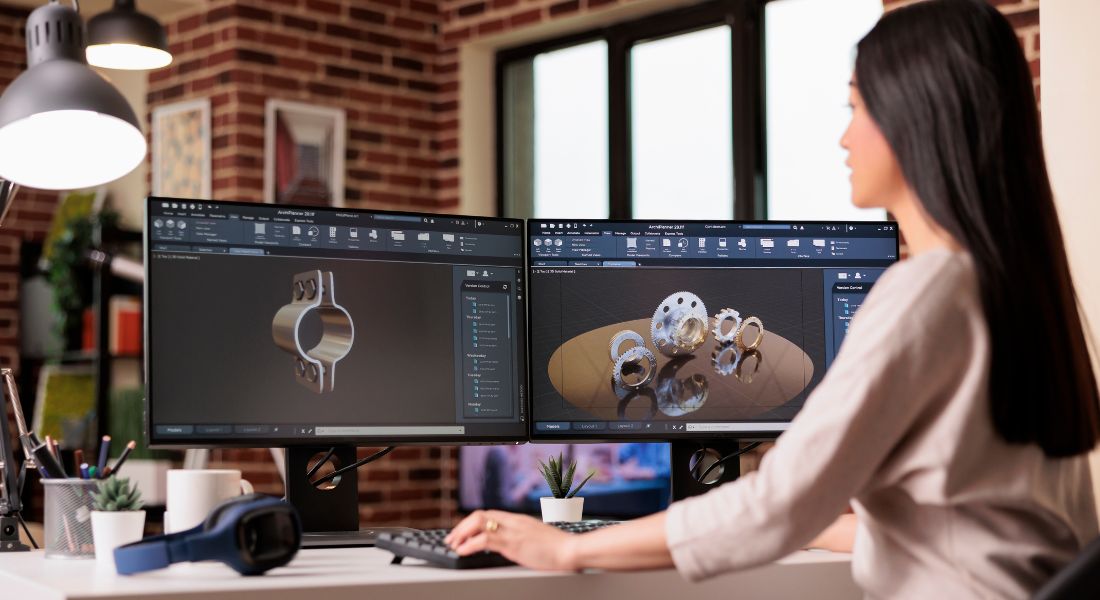
If you’ve ever wondered whether your animated ads perform better on mobile or desktop, you’re definitely not alone. With today’s digital landscape offering countless platforms, devices, and formats, knowing where to invest your time, budget, and creative energy can be surprisingly tricky. Should you double down on mobile, where people are endlessly scrolling on apps and social media throughout the day? Or should you focus on desktop, where users are often more focused and have more screen real estate to absorb your message?
The debate over mobile versus desktop ad performance isn’t just about screen size it’s about context, user behaviour, and how people interact with content on different devices. On mobile, attention spans are short, but the opportunities for quick impressions are massive. On desktop, engagement might be deeper, but competition for attention is fierce. And when it comes to animated ads which rely on motion, timing, and clarity to deliver impact understanding how each platform supports these elements is crucial.
In this guide, I’ll walk you through the key differences between mobile and desktop performance for animated ads. We’ll look at how screen size, internet speed, user intent, and platform design all play a role in determining which format works best. I’ll also explore how consumer behaviour shifts across devices, how to tailor your animation styles accordingly, and which platforms deliver the best ROI for motion-based advertising.
Whether you’re a marketing manager deciding where to focus your next paid campaign, a creative director looking to adapt visuals for cross-platform impact, or a small business owner trying to make every ad pound count, this article is packed with practical insights to guide your strategy.
Why Platform Matters in Ad Performance

An ad isn’t experienced the same way on mobile as it is on desktop and that difference can make or break its performance. The platform your audience uses directly affects how they see, process, and engage with your content. Screen size, orientation, resolution, user behaviour, and even the surrounding context all play a role in shaping the viewer’s experience.
Here’s what that means in practice:
- Mobile users scroll quickly and vertically, often with their thumb. They’re usually multitasking or on the go, which means you only have a few seconds to grab their attention before they move on. Your animation needs to be snappy, easy to digest, and formatted for small screens.
- Desktop users engage in a more settled environment, often during work or focused browsing. They view content in landscape mode, often with a larger screen and better resolution. This allows for more complex visuals and longer-form animations, as the user has more time and mental space to process what they’re seeing.
- Session duration varies across platforms. Mobile users typically browse in short bursts quick check-ins while commuting, between meetings, or during breaks. Desktop users, however, are more likely to spend longer periods on a single site or piece of content, offering more opportunity for deeper engagement.
Because of these differences, your animation strategy shouldn’t be one-size-fits-all. It should be tailored to suit the platform your audience is using. That means adapting timing, size, resolution, pacing, and layout to match their habits and expectations.
A mobile-first ad might prioritise bold, legible text and quick motion to stop the scroll. A desktop-focused campaign could benefit from more nuanced animation, detailed storytelling, or interactive elements that encourage extended viewing. When you align your creative with platform-specific behaviour, you not only improve user experience you significantly increase your chances of conversion.
Mobile: Fast, Focused, and Vertical
When it comes to mobile, speed and simplicity are key. People typically consume content on their phones while multitasking scrolling through social apps, messaging friends, or watching short videos between tasks. This creates a highly competitive space where attention is short-lived, and visuals need to work fast.
Pros of Mobile Animation:
- High engagement on popular social platforms like Instagram Reels, TikTok, and YouTube Shorts. These apps are designed for mobile-first experiences, with users actively seeking quick, visually stimulating content.
- Easy access to on-the-go audiences. Whether someone is commuting, waiting in line, or killing time, mobile gives you a direct line to their attention if only for a few seconds.
- Full-screen animation creates immersion. Mobile animations often fill the entire screen, giving you a chance to dominate the viewer’s focus without the distractions of tabs or sidebars.
Challenges of Mobile Animation:
- Limited space for detail. With a smaller screen, you can’t cram in complex visuals or lots of text. Designs need to be clean and legible at a glance.
- Muted autoplay is common. Many mobile platforms default to playing videos without sound. If your animation relies on audio to deliver key messages, they may be missed entirely.
- Fast scrolling leads to short attention spans. You often have less than three seconds to make an impact. If your animation takes too long to build, users will scroll past before the message lands.
Mobile Animation Tips:
- Optimise your design for vertical or square formats. Vertical (9:16) fits the full mobile screen and is now the standard on platforms like TikTok and Instagram Stories. Square (1:1) is also effective for feeds.
- Use text overlays or captions to communicate key points. Since audio can’t be relied upon, make sure your message is still clear with the sound off.
- Lead with movement. Include short, punchy bursts of animation in the first few seconds to hook viewers and stop the scroll. Even subtle motion can draw the eye if timed well.
Mobile animation is about making an immediate impact. The more tailored your content is to the format and behaviour of mobile users, the more likely it is to perform well in fast-paced, attention-limited environments.
Desktop: Detail-Oriented and Context-Rich
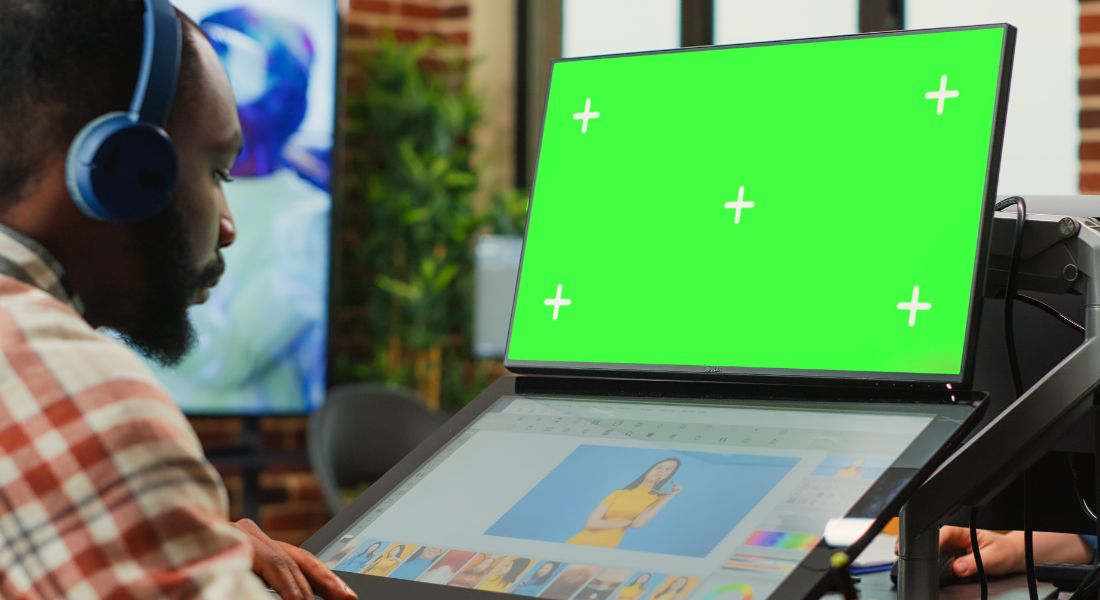
While mobile dominates in volume, desktop still plays a powerful role especially in professional settings and B2B marketing. Desktop users tend to be more focused, spend longer sessions online, and are often in research or decision-making mode. That creates valuable opportunities for deeper engagement and more complex storytelling.
Pros of Desktop Animation:
- Larger screens allow for more detailed visuals. With increased screen real estate and higher resolution, desktop animations can include intricate graphics, multi-step product demos, or layered storytelling without overwhelming the viewer.
- Ideal for professional and B2B audiences. Platforms like LinkedIn, company websites, and business portals are typically accessed on desktop. These spaces support longer, more informative content perfect for explainer animations or service walkthroughs.
- Easier to compare, explore, and interact. Users on desktop are more likely to open multiple tabs, hover over elements, or click through to additional resources, making it a strong environment for animations that complement CTAs or encourage product exploration.
Challenges of Desktop Animation:
- More competing distractions on screen. Unlike mobile’s full-screen experience, desktop users may have multiple windows open, split screens running, or background tabs competing for their attention.
- Less immersive than mobile’s vertical scroll. Because animations often appear within fixed content blocks or smaller windows, they need to work harder to stand out and capture attention.
Desktop Animation Tips:
- Use the extra space to show detail. Don’t shy away from including complex scenes, infographics, or product animations. Desktop users are better equipped to process visual depth and nuance.
- Incorporate interactive elements. Features like hover-triggered animations, clickable hotspots, or animated transitions between sections can make desktop content feel more dynamic and engaging.
- Design in landscape orientation. Most desktop monitors are widescreen, so your animations should be formatted accordingly to avoid awkward cropping or wasted space.
In short, desktop gives you more room to breathe both literally and creatively. It’s your chance to slow down, go deeper, and provide users with a richer understanding of what your brand offers. When animation is used strategically in this environment, it can elevate complex ideas into clear, compelling visuals that convert.
Which Performs Better? It Depends on Your Goal
There’s no one-size-fits-all answer when it comes to choosing between mobile and desktop for your ad campaigns. The platform you prioritise should align closely with your specific marketing objectives. Both environments offer unique strengths and understanding those can help you make smarter decisions when planning your animations.
Here’s a more detailed breakdown based on common campaign goals:
- Brand Awareness
If your main goal is to get your name out there and stay top-of-mind, mobile is the clear winner. With vertical, fullscreen formats and high user volume, mobile offers unmatched reach. Platforms like TikTok, Instagram Reels, and YouTube Shorts are built to deliver fast-paced, eye-catching content. You can make a strong visual impact with short animated ads that stop the scroll and leave a lasting impression. - User Engagement
Looking for likes, comments, shares, or swipes? Mobile leads again. Mobile users are highly interactive, especially on social platforms where gestures like tapping, reacting, or clicking through stories are second nature. Animations that use short, dynamic bursts of motion are perfect for sparking immediate action. Quick polls, animated stickers, or call-to-action buttons can boost interaction even further. - Product Explanation or Demos
When your message is more complex say, introducing a new feature or explaining how something works desktop performs better. The larger screen allows you to show detailed visuals without overwhelming the viewer. Animations can take their time, walk users through multi-step processes, and highlight intricate product features. Plus, users on desktop are more likely to watch longer content without dropping off. - B2B Lead Generation
For campaigns targeting professionals or decision-makers, desktop is often thestronger option. Business users are more likely to browse company websites, read case studies, or fill out lead capture forms while at their desks. Animations can help break down services or value propositions, but they’re most effective when paired with desktop-optimised forms and clickable CTAs. The added trust that comes from a professional desktop experience can also lead to higher conversion rates. - eCommerce Conversions
If you’re focused on driving purchases, mobile dominates, especially within shopping apps or mobile-optimised websites. Users expect a quick, frictionless experience so animations that highlight a product’s benefits, demonstrate use cases, or direct users to a “Buy Now” button can drive immediate sales. Mobile checkouts are increasingly streamlined, and many users complete purchases in just a few taps.
Where Should You Spend Your Budget?
When budget is tight and let’s face it, it often is every penny needs to work harder. The key is to align your ad spend with where your target audience is most active and where your campaign goal is most achievable. That means being smart about platform priorities rather than spreading your budget too thin.
Here’s how to think about it:
- Mobile-first
If your campaign is focused on social media visibility, app downloads, or rapid brand awareness, mobile should be your first stop. Mobile offers high reach at relatively low cost, especially on platforms like TikTok, Instagram, Facebook, and Snapchat. Animations that are bold, fast-paced, and designed for vertical viewing are perfect for catching attention and generating quick results. It’s also the go-to platform for impulse actions think swipes, taps, and story interactions. - Desktop-first
If you’re targeting business professionals, promoting software products, or selling high-ticket items, desktop deserves more of your focus. B2B audiences tend to do their research and take more time making decisions. Desktop ads allow you to present richer, more detailed content like animated explainer videos, case studies, or product walkthroughs and guide users toward higher-value conversions, such as demo bookings or form submissions.
Combine Forces: Mobile to Desktop
In many cases, a blended strategy delivers the best results. Start by using mobile ads to cast a wide net capturing attention, generating interest, and building familiarity. Then, retarget those same users on desktop where they’re more likely to take meaningful action. For example, someone who saw your product teaser on Instagram might later click your retargeted LinkedIn ad to download a brochure or schedule a demo.
This kind of cross-platform approach allows you to:
- Maximise exposure at a lower cost on mobile
- Drive higher-value engagement and conversions on desktop
- Stay top-of-mind as users switch between devices throughout the day
By focusing your spend where it counts and layering mobile and desktop to complement each other you can stretch even a modest budget further and get better returns from your animated ad campaigns.
Test, Measure, Optimise
No matter how great your animated ad looks, you won’t know how it truly performs until you put it to the test. Whether you’re running campaigns on mobile, desktop, or both, ongoing measurement is essential to getting the best possible results from your budget.
Here’s how to approach it strategically:
- Use platform-specific analytics tools.
Each platform whether it’s Meta Ads Manager, LinkedIn Campaign Manager, or Google Ads offers its own set of metrics. Track things like click-through rates, video completion rates, engagement levels, and conversions. Look at how performance varies by device to spot trends early. - Experiment with animation speeds and formats.
On mobile, faster animations often perform better, especially in vertical formats. But on desktop, you may be able to slow things down and add more visual layers. Try testing different animation pacing, lengths, and orientations to see which combinations hold attention and drive action. - A/B test headlines, visuals, and calls-to-action.
Even small changes like swapping a static CTA for an animated one, or tweaking your headline wording can make a big difference. Run split tests (A/B tests) to compare different creative variations. Make sure you isolate one variable at a time to understand what’s really driving performance. - Look beyond the first impression.
An ad might get great initial engagement on mobile but fail to convert. Or it might underperform on desktop until you pair it with a stronger CTA. Always evaluate your results in the context of your larger campaign goals brand lift, lead generation, sales, or something else entirely.
You may discover that the same core message can work across both mobile and desktop but only if it’s customised to fit the platform. Animation isn’t one-size-fits-all, and that’s actually an advantage. By tracking your performance and making data-driven adjustments, you can refine your creative to deliver stronger results over time.
Testing isn’t a one-off task it’s an ongoing process. The most successful animated campaigns are the ones that are continually measured, iterated, and optimised for the right audience on the right device.
Final Thought: Match Your Animation to the Platform for Maximum Impact
There’s no one-size-fits-all answer, but knowing the strengths of mobile and desktop can help you use animation more effectively in your ads. Reach out to our animation company in London to bring your content to life. Whether your campaign is designed for mobile, desktop, or both, we’ll craft animations that deliver real results.
