


In today’s fast-paced digital world, grabbing your audience’s attention is only half the battle keeping it is where the real challenge lies. Whether you’re scrolling through social media, watching a video, or browsing a website, visual elements play a huge role in what makes you stop, look, and engage. That’s where animated icons and motion graphics come in. These small but mighty design tools can make a big impact on how your content is perceived and how much attention it receives.
Animated icons, motion graphics, and subtle visual effects aren’t just about making your content look flashy. When used strategically, they help guide the viewer’s eye, emphasise key points, and break up dense information in a visually digestible way. From animated arrows that point to a call-to-action, to spinning icons that add movement to static web pages, these elements can dramatically increase viewer retention, brand recall, and overall user engagement.
The best part? You don’t need a full animation team or a massive budget to take advantage of these tools. With today’s accessible software, apps, and templates, marketers, content creators, educators, and small business owners can all harness the power of motion design. Whether you’re producing videos, presentations, websites, or social media content, adding well-designed motion elements can help your content stand out in crowded digital spaces.
In this article, we’ll break down how and why motion graphics and animated icons can elevate your content. We’ll also introduce you to some user-friendly tools and techniques that can help you create polished, professional-looking animations without needing to be a motion graphics expert or invest in a full animation studio.
Why Use Animated Icons and Motion Graphics?
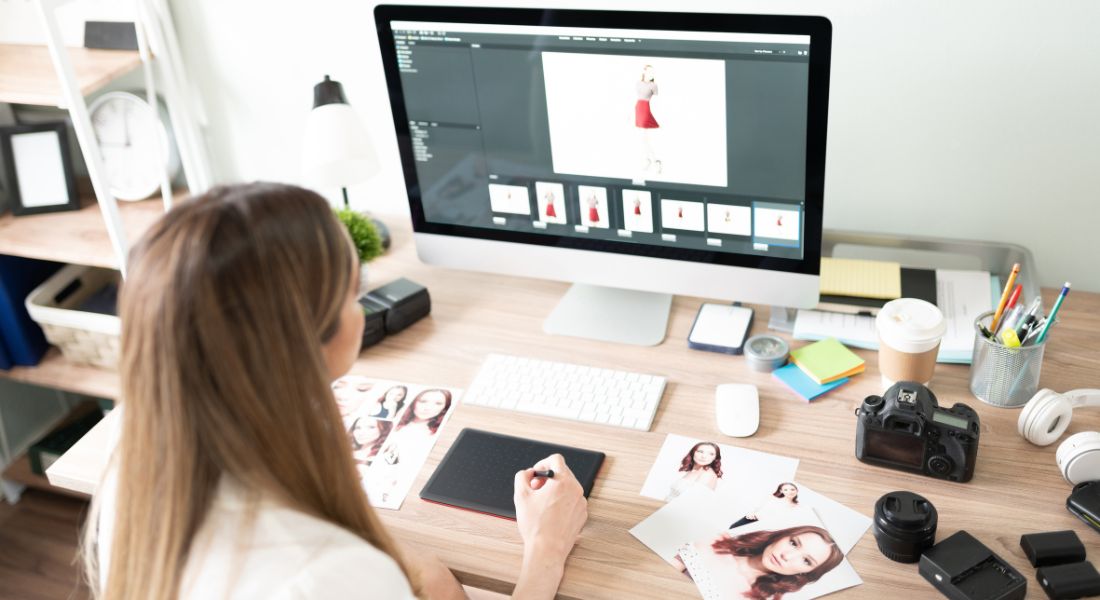
Small animations may seem subtle at first glance, but they can make a powerful difference in how your content is experienced. Whether it’s a pulsing play button, a spinning loading icon, or a sliding lower-third in a video, these motion elements do more than just decorate they enhance the way people interact with and understand your content. Here’s how animated icons and motion graphics can give your content a significant boost:
1. Grab Attention and Direct Focus
In a world full of distractions, capturing your audience’s attention quickly is crucial. Static visuals often blend into the background, especially in crowded feeds or fast-moving videos. But motion naturally draws the eye. Animated icons and graphics provide visual cues that nudge the viewer’s attention exactly where you want it.
For instance, a gently bouncing arrow can highlight a call-to-action button on a landing page. In a video, a dynamic lower-third can introduce a speaker or topic without interrupting the flow. These small movements guide the viewer’s gaze in a purposeful way, helping you prioritise key messages or direct traffic within your digital space.
Even simple hover animations on a website like icons that wiggle or change colour when moused over can create a more interactive, engaging user experience.
2. Increase Retention
Research consistently shows that people retain more information when it’s presented visually and even more so when motion is involved. Animation brings life to data, concepts, and calls to action in a way that sticks. When something moves, our brains are wired to pay more attention.
Let’s say you’re explaining how your product works. A few animated icons illustrating each step of your process can reinforce what’s being said, offering a dual layer of communication: visual and verbal. This makes your content more memorable and easier to understand, particularly for visual learners.
Moreover, motion helps establish rhythm and pacing in content. When used thoughtfully, it makes your message feel smoother and more cohesive, encouraging viewers to stay longer and absorb more.
3. Polish and Professionalism
First impressions matter especially online. Even a well-written video or beautifully designed website can come across as amateurish if it lacks visual cohesion. Motion graphics offer a quick way to elevate the overall look and feel of your content, without overhauling your entire brand identity.
For example, adding animated icons to your explainer videos or transition effects between slides in a presentation gives your content a polished edge. Subtle branding elements like an animated logo at the beginning or end of a video reinforce your brand’s professionalism and attention to detail.
Small touches like animated list markers, motion-infused infographics, or animated social media icons signal to your audience that you’ve invested care into your visuals. And in competitive markets, that extra layer of polish can make all the difference.
4. Enhance User Experience
Motion doesn’t just look good it helps users understand and interact with your content more effectively. Well-designed animations can simplify complex ideas, demonstrate functionality, or provide feedback that makes interfaces feel intuitive.
Consider a how-to video with animated icons showing each step: these visuals help reinforce what’s being said, making the process easier to follow. Or think about a website navigation menu that smoothly expands when clicked this micro-animation enhances the user journey, making the site feel responsive and modern.
Motion graphics can also reduce cognitive load by showing rather than telling. Instead of explaining something with a paragraph of text, a simple animated icon or visual sequence can do the same job faster and with more impact.
In short, animated icons and motion graphics aren’t just bells and whistles. They serve functional purposes that improve clarity, flow, and usability all while making your content more engaging.
Types of Animated Icons and Graphics That Boost Engagement

There are many different kinds of motion graphics you can incorporate into your content, each serving a unique purpose. From small visual flourishes to functional animations that guide user behaviour, these elements can make your content more interactive, digestible, and memorable.
Below is a breakdown of some of the most impactful types of animated graphics and how you can use them effectively.
1. Animated Icons
Icons are one of the simplest and most versatile visual tools available. They help communicate complex ideas in a quick, intuitive way. When you add animation such as a bounce, spin, or colour shift they immediately become more eye-catching and interactive.
Examples of animated icons that work well:
- Social media icons that expand or pulse when hovered over, clicked, or tapped perfect for increasing engagement on websites or email footers.
- Location pins that bounce or radiate when dropped onto a map, helping viewers quickly identify a place or key event.
- Thumbs-up or checkmark animations that play when a task is completed or a form is submitted, giving the user satisfying feedback.
These small motions provide instant visual reinforcement. They’re also highly adaptable you can use animated icons in websites, mobile apps, videos, infographics, and even presentations.
2. Arrows and Pointers
Animated arrows and pointers are essential when you want to draw the viewer’s attention to a specific part of your screen or guide them through a process. They’re particularly useful in instructional or tutorial content, where you’re walking someone through steps visually.
Use cases for animated arrows include:
- Highlighting a call-to-action button on a web page or in a product video.
- Showing a user where to click or scroll in an interactive guide or onboarding video.
- Demonstrating a flow or progression, such as moving from one feature to the next in an explainer animation.
Simple movement like a pulsing arrow, a swipe motion, or a glowing path can create a clear direction that helps users absorb information with minimal confusion.
3. Lower-Thirds
If you’ve watched any interview, documentary, or professional video content lately, you’ve likely seen a lower-third in action. These are the small text overlays that typically appear at the bottom of the screen to display names, titles, or extra context.
Adding animation to lower-thirds like a slide-in effect, fade, or wipe adds a polished, editorial quality to your content. It also ensures the viewer notices the information without interrupting their viewing experience.
Why animated lower-thirds work:
- They make speaker introductions smoother and more engaging.
- They can be branded with your colours, fonts, and logos for visual consistency.
- They subtly improve pacing in your video by adding rhythm and movement to transitions.
You don’t need elaborate animations, either simple motion can be just as effective, especially when matched with clean, readable typography.
4. Progress Bars and Loading Animations
Progress bars do more than just look good they offer practical feedback to the viewer or user. Whether it’s tracking the length of a video, showing the stages of a tutorial, or indicating that content is still loading, progress animations provide a sense of structure and momentum.
Examples of where to use animated progress indicators:
- Tutorial videos with step-by-step segments, where a bar updates visually as each section is covered.
- Web pages or apps that use animated spinners or progress circles during data fetching or content loading.
- Countdown timers for limited-time offers or live webinar starts adding urgency and anticipation.
A well-designed progress animation reduces uncertainty and improves user experience by letting the viewer know where they are and what’s coming next.
5. Animated Logos
Your logo is the cornerstone of your brand identity, so why leave it static when it could be dynamic? A short, animated logo sequence can dramatically increase brand recognition and recall. When done tastefully, animated logos can add personality and polish without overwhelming your audience.
Effective ways to use animated logos:
- As a video intro or outro, creating a strong brand presence at the beginning or end of your content.
- On website headers, where subtle movement in your logo can draw attention without being distracting.
- In email signatures or marketing materials, to leave a lasting impression on the viewer.
Whether it’s a simple fade-in, a reveal animation, or a full transformation, logo animations give your brand more energy and make it feel more modern and alive.
Tools to Create Animated Icons and Motion Graphics Without a Full Animation Team
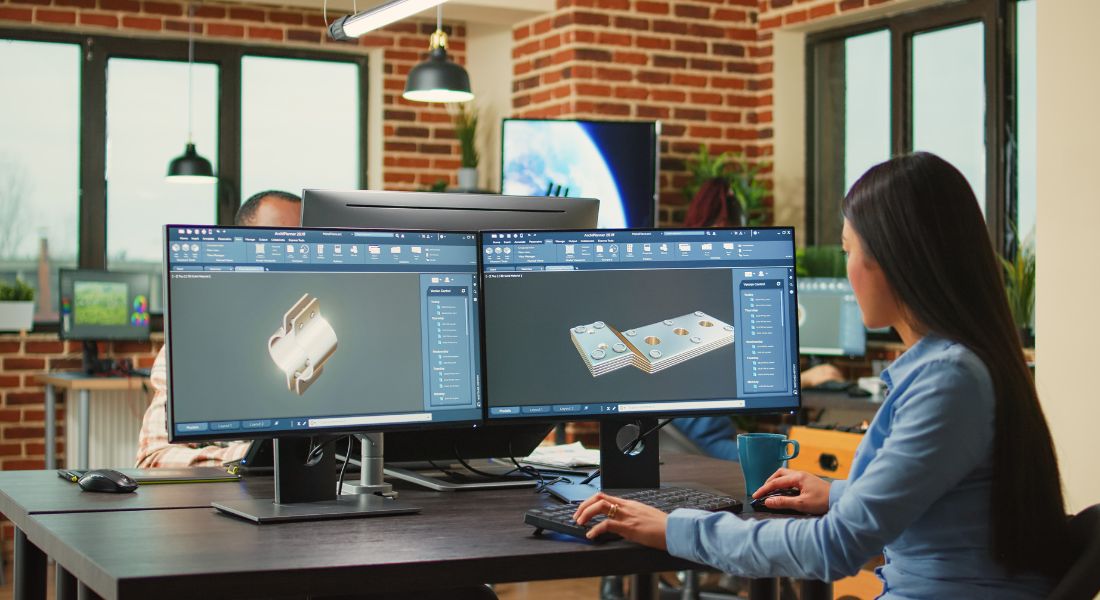
The idea of adding motion to your content might sound like something that requires a full team of animators, graphic designers, and video editors. But thanks to a wide range of user-friendly tools, creating animated icons and motion graphics has never been more accessible.
Whether you’re a solo marketer, social media manager, content creator, or small business owner, you can start adding professional-quality animations to your content without a steep learning curve or a big budget. Here are some of the most popular tools you can use to get started:
1. Canva
Best for: Quick social media animations, animated icons, marketing content
Skill level: Beginner
Platform: Web + Mobile
Canva is known for its simplicity and versatility, and its animation features are no exception. You can animate elements like icons, text, and shapes with a single click, using preset transitions such as fade, pop, rise, or tumble. It’s ideal for creating short animated videos, Instagram stories, email headers, and presentation slides with motion.
Key features:
- Drag-and-drop interface
- Pre-designed animated templates
- Huge library of icons and graphics
- Export as GIF or MP4
If you’re looking to add subtle, stylish motion to your content without any technical skills, Canva is a fantastic place to start.
2. Adobe Express (formerly Adobe Spark)
Best for: Branded social videos and presentations
Skill level: Beginner to intermediate
Platform: Web + Mobile
Adobe Express offers a wide range of ready-to-go templates for social media graphics, video stories, and animated text overlays. While it’s less powerful than other Adobe tools like After Effects, it’s far more approachable and still packed with enough features for creating professional-looking content.
Key features:
- Customisable motion graphic templates
- Branded content creation (upload your logo and brand colours)
- Easy-to-add transitions and text animations
- Integrated Adobe Stock media
It’s perfect for content creators who want to stay on-brand while quickly producing motion-rich visuals.
3. Animaker
Best for: Animated explainer videos, infographics, character animations
Skill level: Beginner
Platform: Web
Animaker is specifically built for animation, which makes it a solid choice if you’re aiming to create more structured or narrative-driven content. You can create animated characters, icons, infographics, and scenes using drag-and-drop tools.
Key features:
- Library of animated characters and scenes
- Customisable animated icons
- Timeline-based video editor
- Templates for business, education, and marketing use cases
For marketers who want to explain complex ideas using storytelling, Animaker is a powerful and accessible tool.
4. Veed.io
Best for: Editing video content with animated elements
Skill level: Beginner to intermediate
Platform: Web
Veed.io is a web-based video editor that makes it easy to add motion graphics, text animations, progress bars, soundwaves, and more to your videos. It’s great for quick content turnarounds especially for social media or product videos.
Key features:
- Add animated text, icons, logos, and subtitles
- Motion elements like waveforms and progress bars
- Auto subtitle generator
- Brand kits for consistent visual identity
If you need a fast and intuitive platform to bring your video content to life with motion, Veed.io is a smart choice.
5. Crello (Now VistaCreate)
Best for: Marketing graphics, animated ads, banners
Skill level: Beginner
Platform: Web + Mobile
Crello rebranded as VistaCreate is very similar to Canva in terms of ease of use but with a slightly stronger focus on marketing visuals. It offers a vast collection of animated templates and design elements, ideal for creating eye-catching content for ads, promotions, and websites.
Key features:
- Pre-animated templates and assets
- Animated backgrounds and stickers
- GIF and MP4 export options
- Branded content creation tools
VistaCreate is particularly helpful for anyone in ecommerce, paid ads, or content marketing who needs scroll-stopping visuals in a hurry.
6. Adobe After Effects (Advanced)
Best for: Custom animation, motion graphics, visual effects
Skill level: Advanced
Platform: Desktop (Windows & Mac)
If you’re ready to dive deeper into motion design, Adobe After Effects is the industry standard. It allows you to build completely custom animations from scratch ideal for creating unique animated icons, logo reveals, explainer videos, kinetic typography, and transitions.
Key features:
- Full control over every animation parameter
- Works seamlessly with Adobe Illustrator and Photoshop
- Plugins and templates available for faster creation
- 3D animation, masking, tracking, and more
While it does require time and training to master, After Effects gives you the highest level of creative freedom. If your team has the resources or you’re looking to build motion design into your skillset it’s well worth the investment.
Tips for Using Animation to Maximise Engagement
Now that you have the tools, here are some tips for making the most out of your animated icons and motion graphics:
1. Keep It Simple
While animations can be eye-catching, don’t overdo it. Too many moving elements can overwhelm your audience. Focus on adding small, meaningful animations that enhance your message without distracting from it.
2. Align with Your Brand
Ensure that your animations reflect your brand’s style. Use your brand’s colours, fonts, and design elements to create a cohesive and professional look across all your content.
3. Use Animation to Explain
Animation is particularly useful when explaining complex ideas. Motion graphics can make abstract concepts easier to digest, helping your audience better understand your message.
4. Test Different Formats
Experiment with different types of animations to see which resonates best with your audience. Track engagement metrics (such as clicks, views, and shares) to determine which animations get the most attention.
Final Thought: Bringing Your Content to Life with Motion
Animated icons and motion graphics are powerful tools that can significantly enhance your content and engagement. With the right tools, you can easily create professional-quality animations that elevate your videos, websites, and social media posts without a full animation team.
You can contact our animation company in London to take your video content to the next level. Whether it’s animated icons, logos, or motion graphics, we can help bring your brand’s visuals to life with dynamic animations that capture attention and boost engagement.
