


Let’s be real ads are absolutely everywhere these days. Whether you’re scrolling through social media, watching a YouTube video, or just browsing a website, you’re constantly bombarded with content competing for your attention. And most people? They don’t have the time or the patience to sit and figure out what an ad is trying to say. If your message isn’t instantly clear and visually digestible, chances are it’ll be ignored, skipped, or forgotten in seconds.
That’s exactly where animation comes in and proves its worth. In this practical guide, I’ll walk you through how smart, intentional animation can make a real difference in how your ads are perceived and understood. We’ll explore how subtle motion cues, visual hierarchy, and timing can help simplify complex information and make your message more accessible to a wider audience. That includes people with visual impairments, cognitive differences, or attention-related challenges who may otherwise struggle with static or cluttered content.
You don’t need to be flashy or over-the-top just purposeful. Done right, animation can dramatically improve user comprehension, boost engagement, and reflect a more inclusive, user-friendly brand identity. Whether you’re designing social media ads, explainer videos, or interactive campaigns, there are plenty of simple, effective techniques you can use to make your content more intuitive and easier for everyone to understand.
Let’s dive in.
Why Clarity Matters More Than Ever
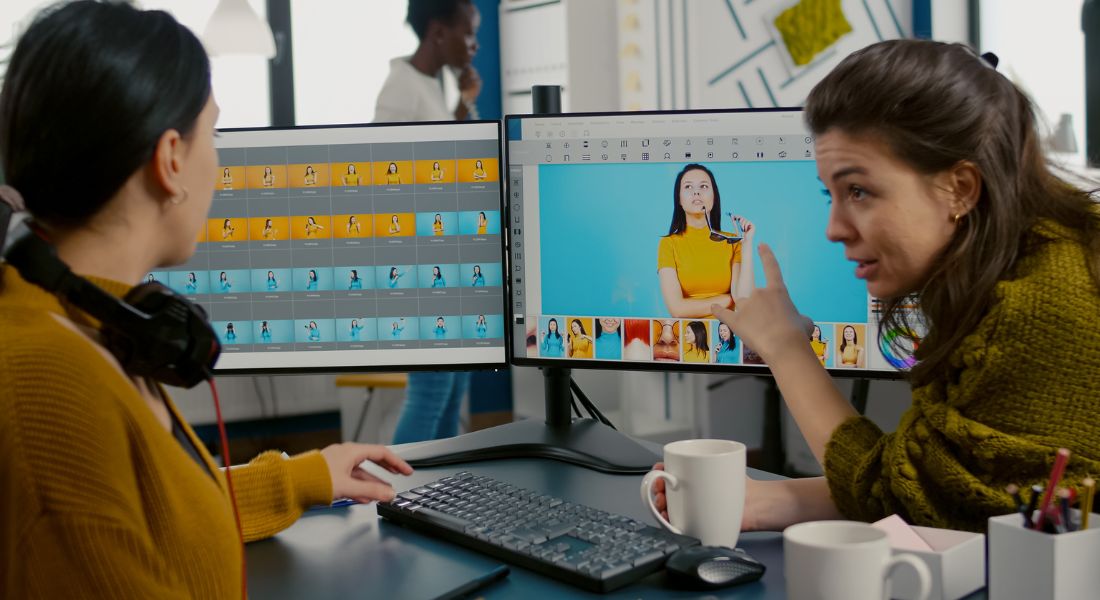
Let’s face it your audience is more distracted than ever. They’re multitasking, scrolling through endless content feeds, swiping past ads in seconds, and often watching videos with the sound completely off. In such a chaotic attention economy, your message needs to be understood at a glance. If your ad isn’t instantly clear, accessible, and visually intuitive, it’s unlikely to make an impact no matter how clever or creative the concept. That’s where animation becomes a game-changer. Thoughtful animation can break through the noise by using motion to direct attention and emphasise what really matters. It doesn’t just look nice it serves a clear purpose.
Here’s how animation improves clarity:
- Drawing focus to key points
Motion naturally captures the eye. A gentle bounce, fade, or directional movement can guide viewers to your headline, call-to-action, or core message without overwhelming them. - Explaining complex ideas visually
Some concepts are too difficult or too dull to communicate with words alone. Animation can simplify these ideas into visual metaphors or step-by-step graphics that make them easier to grasp in seconds. - Guiding the viewer’s eye in a controlled way
With static ads, people don’t always know where to look first. Animation can create a logical visual path, leading viewers through your content in the order you intend. - Making information easier to digest across all learning styles
Everyone processes information differently. Some people prefer reading, others learn better with visuals or movement. Animation adds a dynamic layer that caters to a broader range of preferences, making your content more inclusive and effective.
In short, clarity isn’t just a nice-to-have it’s essential. Animation helps you get your point across quickly, clearly, and in a way that sticks.
How Animation Improves Ad Comprehension
When done thoughtfully, animation isn’t just decoration it’s a functional design tool that can make your ads clearer, easier to follow, and far more engaging. Let’s break down the specific ways animation helps people actually understand what you’re trying to say.
1. Guides Attention
Human eyes are naturally drawn to movement. That’s why animation is such a powerful tool for directing focus. Instead of relying on bold text or flashy colours alone, a well-timed animated element like a subtle slide-in, fade, or bounce can gently lead the viewer’s eye exactly where you want it. This could be your main message, a product feature, or your call to action. Used correctly, animation can guide attention without adding visual noise or confusion. It helps you communicate hierarchy and priority in a way that feels intuitive and effortless.
2. Supports Visual Learning
Not everyone processes information the same way. Some people are strong visual learners, meaning they grasp concepts better through images, diagrams, and movement rather than just reading text. Animation allows you to convey ideas visually, which is particularly helpful when you’re explaining something abstract, technical, or unfamiliar. For example, instead of describing how a product works, you can show it in motion using animated metaphors, infographics, or illustrations. This kind of visual storytelling can boost comprehension dramatically and make your ad more memorable for a wider audience.
3. Breaks Down Information Step by Step
Overloading your audience with too much information all at once can lead to confusion or worse, disengagement. Animation allows you to control the pace at which content is delivered. By revealing information in stages such as one bullet point or icon at a time you lower cognitive load and make it easier for people to absorb each message. This technique is especially useful for explainer ads, tutorials, or feature breakdowns, where understanding each part is key to grasping the whole.
4. Encourages Engagement
Good animation creates a sense of rhythm, flow, and anticipation. When used with intention, it doesn’t just grab attention it holds it. Motion can create a feeling of progress that encourages viewers to stay with your content longer, which gives your message more time to land. Whether it’s a micro-interaction, a seamless transition, or an animated character, purposeful animation makes the experience feel more alive and interactive. And the more engaging your ad is, the more likely your audience will remember what they saw and take action.
Accessibility Considerations for Animated Ads
Creating accessible ads isn’t just a nice extra it’s essential if you want your content to reach and resonate with everyone. When you incorporate animation into your advertising, it’s important to consider how it will affect people with different abilities and sensitivities. Animation should support understanding, not create barriers.
Here are some key accessibility principles to keep in mind when designing animated ads
1. Use Clear Contrast
Your animated elements whether they’re text, icons, or illustrations should be easy to see and read against their background. That means using strong contrast between foreground and background colours. For example, white text on a light pastel background might look stylish, but it can be nearly unreadable for viewers with visual impairments. Make sure that every important element in your animation stands out clearly, but without overwhelming the viewer with overly harsh or clashing colours. The goal is to be both eye-catching and legible.
2. Avoid Fast Flashing
Flashing lights or rapidly changing images can pose a real risk for individuals with photosensitive epilepsy or other neurological sensitivities. In fact, excessive flashing is one of the most common accessibility violations in digital content. As a rule of thumb, avoid any flashing or strobing elements that occur more than three times per second. Instead, stick to smooth, steady transitions that enhance your message rather than distract from it. This keeps your animation visually appealing and safe for all audiences.
3. Provide Captions and Text Labels
Not everyone can hear what’s being said or chooses to listen with sound on. In fact, a large portion of people watch videos on mobile devices with the audio turned off. That’s why it’s essential to include readable text labels or captions alongside any voiceover or animated visuals. Don’t rely solely on movement or imagery to convey your core message. Clear, synchronised text helps make your content accessible to people with hearing impairments, auditory processing challenges, or those simply watching in a quiet public space.
4. Keep Motion Subtle
Excessive or overly complex motion can be disorienting for some users, especially those with vestibular disorders, ADHD, or sensory sensitivities. While movement can be engaging, too much of it or motion that is too fast or erratic can have the opposite effect. The key is to use animation with restraint. Focus on gentle, directional motion that guides the eye rather than overwhelming it. Subtle fades, slides, or progressions tend to be more accessible and viewer-friendly than wild bounces, spins, or shakes.
5. Use Consistent Timing
Consistency in motion helps viewers feel comfortable and confident navigating your content. Unexpected speed changes, sudden zoom-ins, or jerky transitions can cause confusion or discomfort, especially for people who process visual information more slowly. Stick to predictable, evenly timed animations so viewers always know what to expect. This doesn’t mean everything needs to be slow but the pacing should feel natural and consistent across the entire ad. This makes comprehension easier and the experience more seamless.
By incorporating these accessibility best practices, your animated ads will not only become more inclusive they’ll also perform better across the board. When viewers can comfortably access and understand your content, they’re far more likely to engage with it, remember it, and take action.
Examples of Thoughtful Animation in Ads
Thoughtful animation doesn’t mean flashy effects or over-the-top motion graphics. It’s about using animation in ways that enhance understanding, support user experience, and guide your audience through content more intuitively. Below are some effective and accessible animation techniques that strike the right balance between form and function:
Animated Icons
Sometimes, a simple animated icon can communicate more effectively than a block of text. For example, a gently pulsing shield icon can instantly suggest that your product prioritises security without needing to spell it out. These types of visual cues help reinforce your message in a subtle, memorable way. They’re particularly useful when you want to illustrate abstract ideas like protection, speed, or connectivity. Best of all, they work well across languages and cultures, making your ad more universally understandable.
Step-by-Step Product Demos
When you’re introducing a product or explaining how it works, dumping all the information on-screen at once can overwhelm viewers. A smarter approach is to use animation to guide them through the process one step at a time. Think of a software interface that highlights each feature in sequence or a short animated scene that shows how a wearable device syncs with an app. This not only makes your content easier to follow, but also helps users retain the information better. You can build clarity and engagement in just a few frames.
Text Reveal Animations
Instead of showing an entire paragraph of text at once, consider revealing each line individually through animation. This pacing encourages viewers to follow along in the order you intend and prevents them from skipping ahead or tuning out. For example, in a social ad, you might animate one line of copy at a time to build anticipation and keep the viewer focused. It’s also a helpful way to support people who process written information more slowly giving them time to absorb each point before moving on to the next.
Microinteractions
Microinteractions are the tiny animations that occur in response to user actions like hovering over a button, clicking a tab, or swiping a card. While they might seem insignificant, these subtle movements can make a big impact on usability. For example, a button that expands slightly on hover signals that it’s clickable, improving accessibility for users who may not immediately recognise interactive elements. These kinds of animations make your ad feel polished, responsive, and easier to navigate without adding clutter or confusion.
In all of these examples, animation is used not for decoration, but as a tool to communicate more clearly and intuitively. When animation serves a purpose whether it’s to explain, guide, or engage it becomes a powerful asset in creating ads that are both effective and inclusive.
Tools That Make Accessible Animation Easy
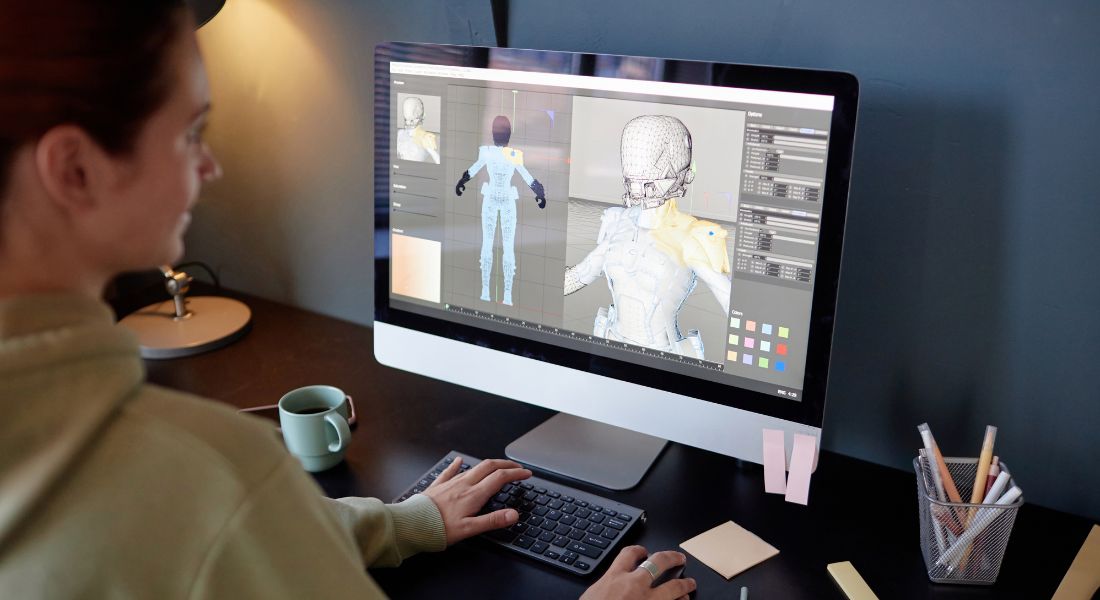
The good news? You don’t need a big production team, advanced software skills, or a huge budget to create accessible, effective animations. Thanks to today’s user-friendly design platforms, anyone from solo entrepreneurs to in-house marketing teams can build polished animated content that’s both clear and inclusive.
Here are some beginner-friendly tools that make it easier to design thoughtful, user-focused animation for your ads:
Canva – Easy Animated Social Templates
Canva is a go-to tool for non-designers, and for good reason. It offers a wide range of pre-made templates designed specifically for social media, complete with drag-and-drop animation options. You can easily add animated elements like text fades, icon movements, and visual transitions without writing a single line of code. Many of the templates are designed with visual hierarchy and contrast in mind, helping you create content that’s both accessible and eye-catching.
Adobe Express – Accessible Design Features and Animation Presets
Formerly known as Adobe Spark, Adobe Express offers a simplified version of Adobe’s powerful creative tools. It includes built-in animation presets and accessibility-conscious features like clear fonts, colour contrast options, and easy captioning. Whether you’re creating animated stories, web ads, or email visuals, Adobe Express gives you the flexibility to maintain clarity and consistency while still creating dynamic content. It’s a great option for teams looking to stay on-brand without sacrificing ease of use.
LottieFiles – Lightweight, Scalable Animations for Digital Use
If you’re building animations for websites, mobile apps, or other interactive digital experiences, LottieFiles is worth exploring. It hosts a huge library of lightweight, scalable animations (called Lottie animations) that load quickly and play smoothly across all devices. You can customise existing animations or create your own, and they integrate easily with platforms like Webflow, WordPress, and mobile apps. Because Lottie animations are vector-based, they retain quality without bloating your file size ideal for maintaining accessibility across low-bandwidth environments.
Animoto – Drag-and-Drop Video Builder for Step-by-Step Sequences
Animoto is perfect for creating video-based ads, product explainers, or educational content with step-by-step clarity. Its simple drag-and-drop interface lets you combine text, images, music, and video clips into polished, animated sequences. You can add animated text overlays, transitions, and captions with ease making it ideal for breaking down information in a clear and structured way. It’s especially useful for creating content aimed at diverse learning styles, from visual learners to those who benefit from slower pacing and labelled visuals.
Each of these tools empowers you to create animation that supports clarity, accessibility, and engagement all without needing to be a motion graphics expert. Whether you’re designing for social feeds, landing pages, or email campaigns, these platforms help you deliver content that’s inclusive and easy to understand for everyone.
Final Thought: Animation with Purpose
Animation isn’t just about flash it’s about focus. When used thoughtfully, it makes your content clearer, more accessible, and easier to understand. Get in touch with our animation company in London to elevate your content. We create animations that are not only visually engaging but also inclusive and easy to understand.
