

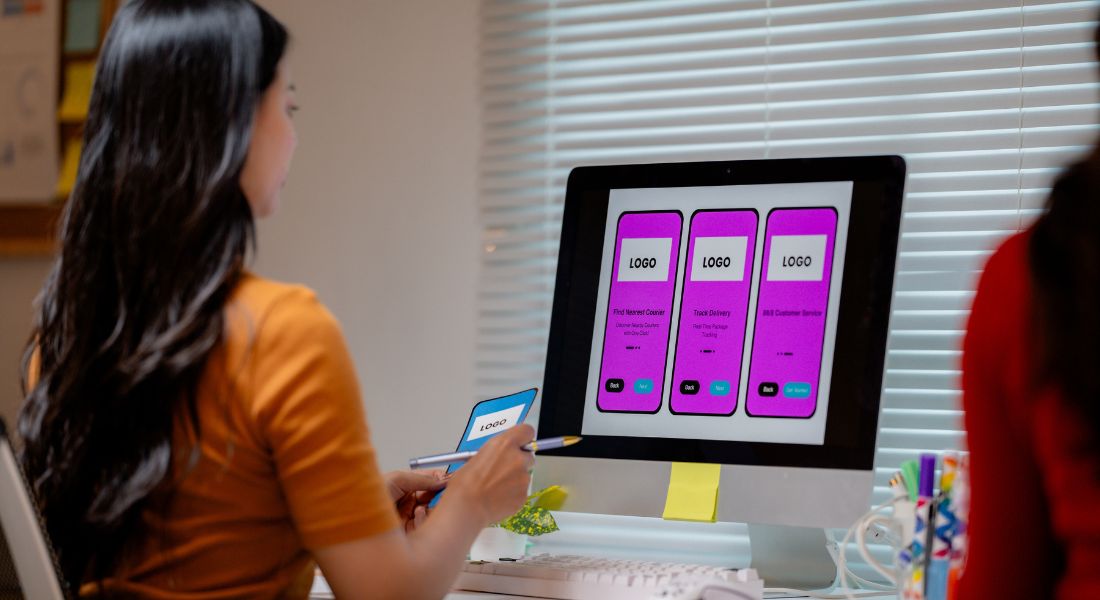
Think animation is only for brands with big agency budgets? Think again. You don’t need a massive production team, high-end software, or deep pockets to bring your social media ads to life. In fact, with the right tools and a few smart techniques, even a small team or a solo marketer can create visually engaging animated ads that stop thumbs and drive engagement.
In today’s fast-scrolling social media world, static images often get overlooked. But add a touch of movement like bouncing text, a flicker of motion, or a playful transition and suddenly, your content stands out. Animation doesn’t just make your ads look better; it can help communicate your message faster, highlight key offers, and boost click-through rates.
The best part? You don’t have to start from scratch. With templates, drag-and-drop editors, and mobile apps designed specifically for social media content, you can quickly turn ordinary posts into animated eye-catchers. Whether it’s a subtle shimmer on a product shot or animated captions on a video, small touches can make a big difference.
In this guide, I’ll show you practical, low-cost (and in many cases, free) ways to incorporate animation into your social ads. Whether you’re promoting a product, service, or special offer, these techniques will help you make a bigger visual impact without blowing your budget. Let’s get started.
Why Animation Works So Well on Social Media

Let’s face it social media is noisy. Every second, users are bombarded with content: selfies, memes, pet videos, influencer reels, and a flood of brand promotions. In that kind of environment, it’s easy for even your best-designed static ad to get lost in the feed.
That’s where animation comes in. Movement naturally grabs the eye. It creates a pause in the scroll, making people more likely to stop and pay attention even if just for a moment. And on platforms like Instagram, Facebook, and TikTok, that split-second pause can be the difference between someone engaging or simply moving on.
Animation helps you:
- Stop the scroll with motion – Whether it’s text that fades in or an icon that bounces, movement catches the eye far more than a still image ever could.
- Convey your message faster – A short animated sequence can communicate your offer or value proposition instantly before the viewer even reads a word.
- Highlight key benefits visually – You can direct attention to specific features or calls-to-action using movement, like pulsing buttons or arrows that guide the eye.
- Make your brand look polished and tech-savvy – Even basic animation adds a level of professionalism that can elevate your entire brand image.
And the best part? You don’t need to go over the top. Even subtle motion like a shimmer effect or sliding text can make your ads feel more modern, more dynamic, and more clickable. In many cases, these understated touches perform better than overly complicated animations or busy designs.
Start Small: Easy Animated Elements to Try
You don’t need a fully animated masterpiece to make your ad stand out. In fact, starting small is often the smartest strategy especially if you’re new to animation or working with limited time and resources. Just a few well-placed movements can elevate your creative and make your message more memorable without overwhelming the viewer.
Here are some simple, low-effort animation techniques that deliver high-impact results:
1. Moving Text
One of the easiest and most effective ways to start animating is by giving your headlines or taglines a bit of motion. A quick slide-in, fade-up, or pop effect can turn static text into an attention-grabbing hook. Since headlines are often the first thing people read, animating them ensures your message cuts through the noise.
Most online design platforms like Canva, Adobe Express, or Wave.video offer pre-set text animation options, so you don’t need any technical skills to get started. You can easily test different animation styles, timings, and directions to find what works best for your audience. And because it’s so fast to implement, animated text is a perfect entry point for experimenting with video ads.
2. Button Effects
Your call-to-action (CTA) is where conversions happen, so why not make it pop? Adding a subtle bounce, glow, or pulsing effect to a “Shop Now,” “Book a Demo,” or “Learn More” button can dramatically increase its visibility.
It’s a tiny change but it adds interactivity, guides user behaviour, and gives your ad a polished, dynamic feel. The best part? These effects can be applied with just a few clicks using most design tools. Whether it’s a looped hover animation or a timed entrance effect, small touches on your CTA can lead to a noticeable lift in clicks.
3. Icon Motion
Animated icons like arrows, check marks, stars, or even emojis are fantastic for drawing attention to specific parts of your message. A pulsing arrow pointing to your CTA, or a shimmer effect on a feature icon, can help highlight key points without requiring complex animation work.
These tiny movements add visual interest, help guide the viewer’s eye, and inject personality into your brand. They’re especially useful in short-form video ads or social media carousels where every frame needs to work hard to hold attention.
4. Micro-Transitions
Not every animation needs to scream for attention. In fact, some of the most effective animations are subtle. Micro-transitions like smooth fade-ins, zooms, or soft background shifts create a more fluid, professional visual flow that keeps viewers engaged throughout your ad.
These small touches are particularly useful in carousel ads, explainer videos, or short product teasers. They help break up visual monotony, making your content easier to watch from beginning to end. A well-placed transition also gives your animation a sense of rhythm and pacing, which makes the whole piece feel more cohesive.
Final Tip:
If you’re just getting started with animation, don’t try to do everything at once. Focus on one or two elements per ad, see how they perform, and build from there. These quick wins help boost engagement, save production time, and give your content that extra spark without overcomplicating your workflow.
Free & Affordable Tools to Use
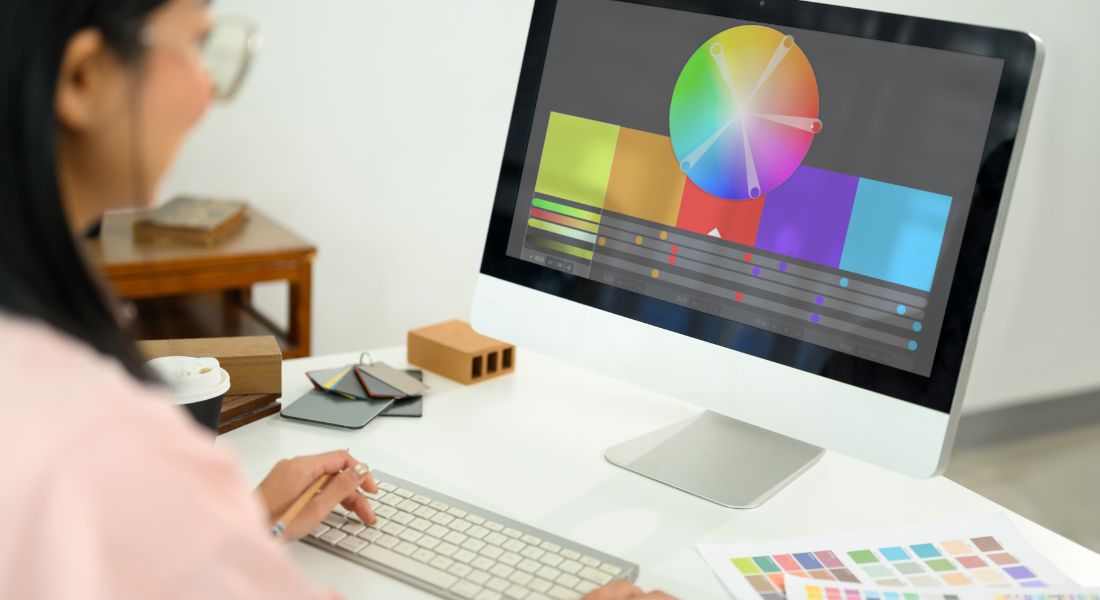
Animation doesn’t have to be expensive. There are plenty of tools out there that offer free or low-cost plans perfect for small teams, solo creators, or anyone working with tight budgets. Here are some of the best:
- Canva Pro – Pre-built animation options for text, images, and stickers. It’s ideal for creating quick, professional-looking animated posts with no editing experience required. You can also schedule posts directly from Canva to streamline your workflow.
- Adobe Express – Drag-and-drop motion design for social graphics. You can animate elements, add transitions, and export ready-to-post content directly from the app. It also integrates smoothly with Adobe Creative Cloud for users already in that ecosystem.
- Crello (now VistaCreate) – Social media templates with animated layers. Its wide template library makes it easy to customise content for different platforms. You can also collaborate with team members in real time for faster approvals.
- LottieFiles – Lightweight animations for web and app use. Great for developers and designers looking to add smooth, scalable motion effects without heavy file sizes. Lottie animations can be embedded easily into websites and mobile apps.
- GIPHY for Brands – Great for creating branded GIFs. GIFs are perfect for story ads and comments, and GIPHY makes it easy to keep them on-brand. You can also apply to have your branded GIFs searchable on Instagram and TikTok.
These tools are all beginner-friendly and can be used in-house even if you don’t have a dedicated designer. Most offer templates, tutorials, and drag-and-drop features to make animated content creation quick and approachable.
What to Animate for Maximum Impact
When it comes to animated social ads, more movement doesn’t always mean better results. In fact, too much animation can make your design feel chaotic or unprofessional. The real power of animation lies in focus guiding the viewer’s eye to the message that matters most. So, if you’re only going to animate one or two elements, choose wisely.
Here are the areas where animation tends to have the greatest impact:
- The headline or main offer
This is your hook the first thing people will (and should) notice. Animating your headline helps it stand out instantly in crowded social feeds. A clean slide-in from the side, a fade-up from below, or a subtle zoom-in can make your offer feel more dynamic and compelling. The goal is to stop the scroll and create an immediate connection. - Product benefits or key features
Rather than explaining your product with lots of text, let animation do the heavy lifting. You can highlight individual features with pulsing icons, staggered text reveals, or a rotating carousel of benefits. This not only breaks down information visually but keeps the content easy to digest ideal for mobile-first viewers. - Your CTA (Call to Action)
This is where conversions happen. If your “Shop Now,” “Learn More,” or “Get Started” button blends into the background, you’re missing a major opportunity. A slight bounce, glowing edge, or gentle pulse can draw the eye without being overbearing. Even micro-animations like a hover effect or a delayed entrance can make your CTA feel more interactive and clickable.
Pro Tip:
Avoid the temptation to animate everything. When every element is moving, nothing stands out and it can quickly feel overwhelming. A cluttered design undermines your message and can reduce viewer engagement. Instead, animate with purpose: highlight the message, create a visual hierarchy, and leave enough negative space for your design to breathe.
Use Templates Strategically

Creating eye-catching animated ads doesn’t mean starting from scratch every time. In fact, one of the smartest ways to streamline your workflow and stay on-brand is to use professionally designed templates. Tools like Canva, Adobe Express, and VistaCreate offer hundreds of animation-ready templates tailored for different platforms and ad formats. These templates are built using design best practices and are already sized to meet platform requirements, making them ideal for quick production without sacrificing quality. By using templates, you save time while ensuring your ad meets critical specs like aspect ratio, file size, and duration especially helpful when working to tight deadlines or producing content at scale.
When selecting a template, keep the following in mind:
- Clear text hierarchy
Your message should be structured for quick comprehension. Look for templates where the headline stands out clearly, followed by concise subtext and any necessary supporting copy. This helps viewers process your message within seconds, which is key in fast-scrolling social feeds. - Motion on key elements only
The best-performing templates often feature subtle, focused animation like a sliding CTA button or a fading-in headline. Avoid overly busy templates where everything moves at once. Too much motion creates visual clutter and distracts from your main message. Instead, use movement strategically to draw attention where it matters most. - Dedicated space for branding and CTAs
A well-designed template will leave clear space for your logo, call-to-action, or URL without overcrowding the layout. Whether you’re prompting viewers to “Shop Now,” “Learn More,” or “Book a Demo,” make sure the path forward is visually clear and aligned with your brand identity.
Templates are especially valuable when you’re running multi-platform campaigns and need to maintain a cohesive look across various ad sets. With consistent fonts, colour palettes, and layout styles, you can build brand recognition while adapting the content for each platform’s unique format.
Ultimately, using templates doesn’t mean compromising creativity it’s about working smarter. You get a solid visual foundation to build on, and more time to focus on refining your message, animation timing, and targeting strategy.
Make It Platform-Specific
When it comes to animated social ads, one size definitely doesn’t fit all. Each platform has its own audience behaviour, content style, and technical specifications so if you want your animation to perform well, it needs to be optimised for where it’s being seen.
- Instagram Reels & Stories
Think bold, quick, and vertical. Reels and Stories are full-screen formats designed for fast, snackable content. Use vibrant colours, big text, and punchy movement to grab attention within the first few seconds. Remember, sound is often on, so pairing your animation with trending music or catchy voiceovers can boost engagement. - Facebook & LinkedIn
These platforms cater to a more mixed or professional audience, so your animations should feel polished and purposeful. Use clean transitions, clear messaging, and a slightly slower pace to give your audience time to absorb the content. LinkedIn especially favours content that feels informative or insightful rather than overly flashy. - X (formerly Twitter)
This is a fast-scrolling environment where short, looping animations or eye-catching GIFs work best. Movement is your friend use it to highlight key ideas or provoke curiosity. Keep the message simple and repeatable, since many users will see your content more than once.
Also consider format and layout. Test different aspect ratios square (1:1), vertical (9:16), and landscape (16:9) depending on where your audience is most active. For example, vertical videos tend to perform better on mobile-heavy platforms like Instagram and TikTok, while landscape might still have a place on desktop-heavy feeds.
Test and Optimise
One of the biggest advantages of digital advertising is measurability. Unlike traditional formats, animated social ads give you instant feedback on what’s working and what’s not. But to get the most out of your animation, you need to treat it as a living asset, not a one-and-done piece.
Once your ad is live, keep a close eye on performance metrics:
- Track key engagement indicators
Look at clicks, views, watch time, shares, and even drop-off rates. These metrics tell you not just how many people saw your ad, but how many actually interacted with it or stayed engaged until the end. - Run A/B tests
Test animated versions against static ones to see what drives better results. You can also try different animation styles, durations, or messaging to learn what resonates with your audience. Does a short loop outperform a longer sequence? Does animating the CTA improve conversions? Test it. - Refine and iterate
Use the data to guide adjustments. Sometimes, small changes like speeding up your motion graphics, changing your colour palette, or adjusting when key messages appear can make a significant difference in performance.
Even something as simple as animating your call-to-action or shifting your headline to appear a second earlier can boost click-through rates. Continuous testing helps you avoid creative guesswork and focus on what actually delivers results.
Final Thought: Bringing Your Ad to Life Doesn’t Have to Be Complicated
You don’t need a massive budget to make your ads pop. With the right tools and a little creativity, animated touches can make your brand stand out, grab attention, and boost conversions. Looking to elevate your content with professional animation? Our animation company in London can help whether you need scroll-stopping social assets or a full-scale motion graphics campaign.
