

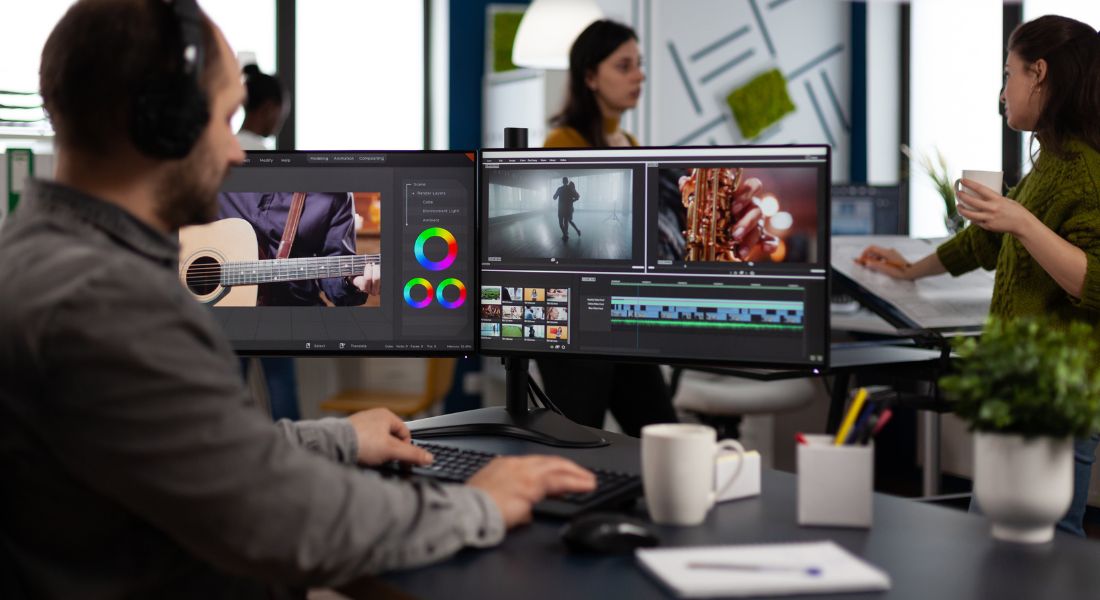
B-roll footage can be the secret ingredient that transforms an average video into something truly captivating. It’s the extra layer that adds visual interest, sets the tone, and reinforces what’s being said in your primary footage. Whether you’re working on a YouTube tutorial, a corporate promo, a product showcase, or a punchy social media reel, B-roll plays a critical role in enhancing your storytelling and keeping your audience engaged throughout.
But here’s the challenge: coming up with creative, relevant B-roll ideas isn’t always easy especially when you’re knee-deep in editing or trying to finalise your main script. Often, your attention is on getting the A-roll just right: delivering your message clearly, staying on-brand, and keeping within time limits. B-roll can end up being an afterthought or feel repetitive if you’re short on inspiration.
That’s where AI tools like ChatGPT come in to save the day.
In this guide, we’ll walk you through how to use ChatGPT to quickly and effectively brainstorm B-roll ideas that elevate your video content. You’ll learn how to structure prompts to get visual suggestions that match your narrative, tone, pacing, and purpose. Whether you need cutaways, visual metaphors, mood-setting sequences, or simply something to cover jump cuts, ChatGPT can help generate fresh, relevant ideas tailored to your script.
Plus, using ChatGPT can significantly streamline your workflow giving you more time to focus on storytelling, post-production, and creating content that truly resonates with your audience. It’s a simple way to boost the visual quality of your videos without adding hours to your workload saving you time, energy, and creative burnout. You don’t need to be a cinematographer or seasoned director to get visually rich results just clear prompts and the right tool. Even for solo creators or small teams, this approach can help maintain high production value with minimal resources. And if you’re juggling tight deadlines, it’s the fastest way to get out of a creative rut and keep your content flowing. In short, ChatGPT can be your virtual production assistant on demand, 24/7.
Let’s dive in and bring your edits to life with standout visuals.
1. What Is B-Roll and Why It’s Important
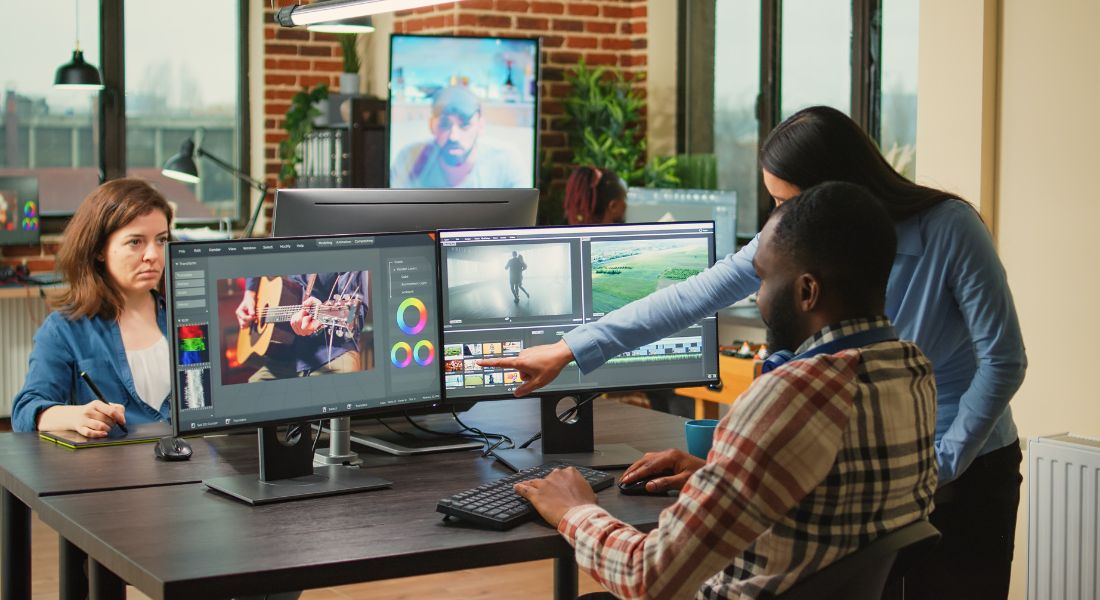
Before we dive into the process of generating B-roll ideas using ChatGPT, it’s worth taking a moment to understand exactly what B-roll is and why it plays such a vital role in video editing.
B-roll refers to any supplemental or alternative footage that’s intercut with your main footage, known as A-roll. While A-roll typically includes your primary subject such as someone speaking to the camera or delivering the core message B-roll adds layers of visual depth. It can include anything from cutaways of the environment to relevant action shots, product demos, behind-the-scenes glimpses, or symbolic imagery.
Here’s why B-roll is so important to get right:
• Enhances Visual Storytelling
B-roll allows you to show, not just tell. It reinforces your message by visually illustrating the subject matter. For example, if your A-roll features someone talking about how they overcame a personal challenge, B-roll of them in action working, training, or engaging in that process adds authenticity and emotional weight. It helps your story come alive, turning spoken words into vivid imagery.
• Keeps Viewers Engaged
Attention spans are short, especially in the world of online content. Constantly cutting between static talking-head shots can bore viewers quickly. Well-placed B-roll creates visual variation and rhythm in your edit. It breaks up long sequences and keeps things visually dynamic, which encourages viewers to stay longer and remain invested in your content.
• Improves Editing Flexibility
B-roll isn’t just about aesthetics it’s a powerful editing tool. It helps smooth out jump cuts, mask transitions, and cover up mistakes or awkward pauses in your A-roll. If you need to shorten or rearrange a segment, B-roll gives you that breathing room. It makes your edit feel more polished and seamless, even if the original footage wasn’t perfect.
• Adds Professionalism and Brand Polish
Thoughtful B-roll can also elevate the perceived quality of your video. Whether it’s stock footage, custom-shot material, or even motion graphics, it makes your final product feel more intentional and professionally crafted. It’s one of those elements that can subtly distinguish amateur videos from professional-grade content.
In short, B-roll isn’t just filler it’s a core storytelling asset. But coming up with the right B-roll ideas, especially ones that feel fresh and relevant to your video’s theme, can be a challenge. That’s where ChatGPT can really help you streamline your creative process and save time.
Let’s move on to how you can use it effectively.
2. How to Prompt ChatGPT for B-Roll Ideas
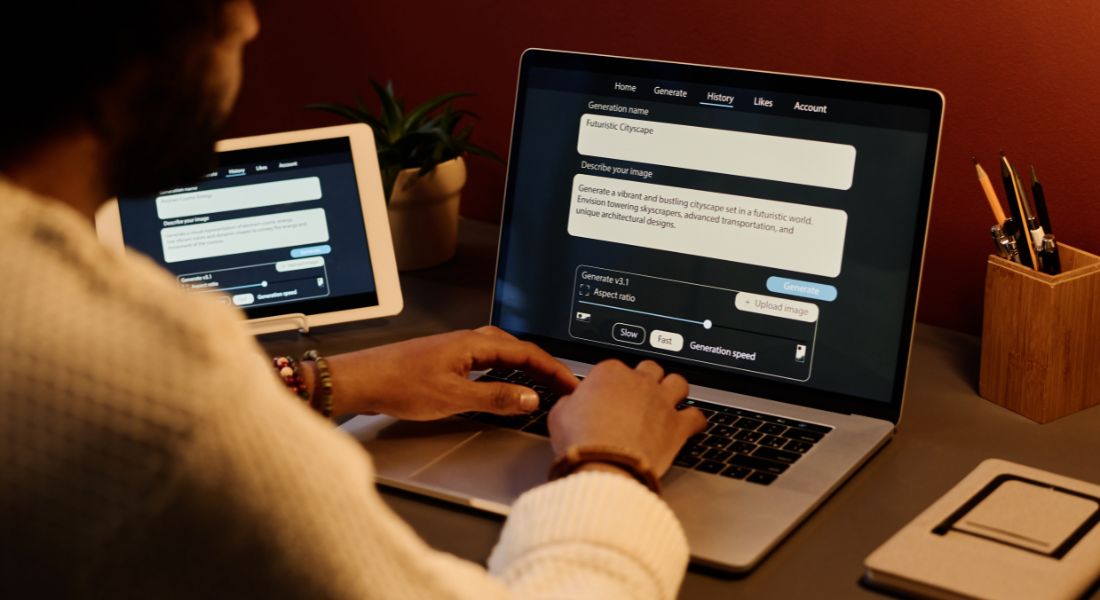
To get the most relevant and useful B-roll suggestions, it’s important to craft a clear and specific prompt. The more context you provide about your video, the more accurate and creative the ideas ChatGPT will return. You don’t need to write long descriptions just a few key details can go a long way.
Below are some simple examples of how you can ask ChatGPT for B-roll ideas based on your video’s topic, tone, or specific scene.
Example Prompts
General Topic:
“Give me B-roll ideas for a video about personal branding for professionals.”
ChatGPT might suggest shots like:
- A person working at a desk or laptop
- People networking at an event
- Someone writing on a whiteboard
- Close-ups of business cards or personal logos
These visuals can help reinforce themes like professionalism, ambition, and personal development.
Specific Scene:
“I’m editing a cooking tutorial. What B-roll ideas would complement the step where I add the seasoning?”
ChatGPT may return suggestions such as:
- Close-ups of spice jars on the counter
- A hand sprinkling salt or herbs over the dish
- A spoon stirring the food
- Steam rising from a pot
These shots help enhance the sensory feel of the cooking process and make the scene more visually engaging.
Action-Oriented Content:
“For a fitness video, suggest B-roll ideas to accompany a section about warm-up exercises.”
Expect suggestions like:
- People doing stretching exercises
- Close-up shots of legs, arms, or feet warming up
- A fitness trainer demonstrating simple routines
- Sweating or breathing exercises for intensity
These kinds of visuals keep the energy up and help your audience follow along with the movements.
By simply stating the main focus or moment in your video, ChatGPT can generate a useful list of B-roll ideas that add texture, variety, and narrative flow to your edit. If the first response doesn’t feel right, you can always follow up with more detail to refine the results.
3. Fine-Tuning Your B-Roll Ideas for Different Themes
Every video has its own unique tone, and your B-roll should reflect that tone to maintain consistency and emotional impact. Whether you’re creating something inspirational, corporate, or casual, the supporting visuals need to match the overall mood and message. Fortunately, ChatGPT can help you generate theme-specific B-roll ideas with just a few simple tweaks to your prompt.
By clearly stating the theme or emotional tone of your content, you can guide ChatGPT to suggest footage that feels cohesive with your story. Below are a few examples of how you can tailor your prompts to match different video styles.
Example Prompts by Theme
Inspirational:
Prompt: “What B-roll shots would fit a motivational video about overcoming challenges?”
ChatGPT might suggest:
- People climbing stairs or hiking uphill
- Hands reaching toward the sky or finishing a task
- Time-lapse footage of a sunrise or clouds moving
- Someone crossing a finish line or achieving a goal
These visuals reinforce a message of growth, determination, and new beginnings.
Corporate or Professional:
Prompt: “Give me B-roll ideas for a corporate training video on leadership.”
You can expect suggestions like:
- Team members engaged in a meeting or brainstorming session
- A manager giving a presentation in a boardroom
- Handshakes, confident walking shots, or group discussions
- People writing ideas on whiteboards or laptops
These visuals help convey professionalism, collaboration, and leadership in action.
Casual / Lifestyle:
Prompt: “For a lifestyle vlog about daily routines, what B-roll footage would work well for a morning coffee scene?”
Likely responses include:
- Coffee pouring into a mug from a kettle or machine
- Close-ups of coffee mugs on a kitchen counter
- Someone stretching by a window or reading a newspaper
- A soft-focus shot of morning light streaming in through curtains
These types of shots give a warm, relatable feeling and support a calm, personal tone.
4. Combining B-Roll Ideas with Storyboard or Script
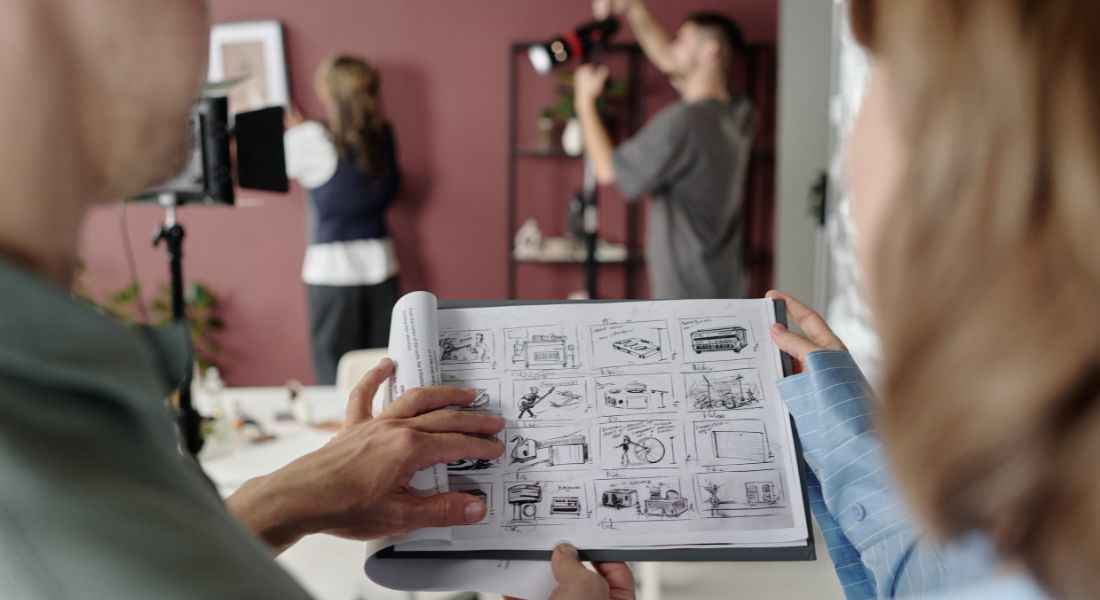
If you’re working from a pre-written script or a visual storyboard, you can take your B-roll planning one step further by asking ChatGPT to align specific visuals with each section. This ensures that your supporting footage not only looks good but also serves a clear narrative function reinforcing your message, creating smooth transitions, and enhancing viewer understanding.
By providing ChatGPT with the structure of your video, you’ll receive B-roll suggestions that are tailored to the pacing and purpose of each scene. This helps maintain visual consistency while reducing the time spent brainstorming during the editing phase.
Example Prompt:
“I have a script for a 5-minute video about digital marketing. Here’s the script: [Insert script]. What B-roll footage should I use for the intro, middle, and outro sections?”
Based on this prompt, ChatGPT will break down your video and return targeted ideas for each part:
- Intro: Footage of someone typing on a laptop, scrolling through a marketing dashboard, or showing animated graphs starting to rise.
- Middle: Shots of a team brainstorming, writing strategy on a whiteboard, or close-ups of analytics reports and campaign visuals.
- Outro: A handshake, a happy customer using a product, celebratory team moment, or a “thank you for watching” screen with branded visuals.
This scene-by-scene breakdown ensures that your visuals support the script at every turn, helping the viewer stay connected and engaged from beginning to end.
It’s particularly useful for:
- Corporate videos with multiple talking points
- Educational content where visuals support learning
- Branded promos where clarity and flow are key
- Social ads where timing and pacing must be tight
Planning your B-roll in sync with your script also makes the production and editing process far more efficient. Instead of scrambling to find last-minute visuals, you’ll already have a detailed visual roadmap aligned with your message.
Next, we’ll look at how to organise all these ideas in a way that keeps your project on track from pre-production to post.
5. AI-Generated B-Roll for Different Video Formats
Not all videos are created equal and neither is the B-roll that supports them. Different formats and platforms require different types of visuals to capture attention and maintain viewer engagement. For instance, a polished corporate video will need clean, high-quality footage that reflects professionalism, while a casual vlog might benefit more from candid, handheld-style shots that feel authentic and personal.
ChatGPT can help you generate tailored B-roll ideas that match the style, tone, and requirements of the specific format you’re working with. Whether you’re creating long-form YouTube content, bite-sized Instagram ads, or step-by-step tutorials, ChatGPT can suggest visuals that feel right at home on that platform.
Example Prompts for Specific Video Types
YouTube Vlogs:
Prompt: “What B-roll ideas should I use for a casual vlog about my weekend getaway?”
ChatGPT might suggest:
- Clips of you packing a bag or walking through a train station
- Panoramic shots of landscapes, tourist spots, or cafes
- Footage of food being served or drinks clinking
- Laughing with friends or enjoying a sunset
These kinds of visuals create a relaxed, personal vibe and help viewers feel like they’re right there with you.
Social Media Ads (Instagram, TikTok, Facebook):
Prompt: “Suggest quick B-roll shots for a 15-second Instagram ad promoting a fitness app.”
Expect fast-paced, eye-catching visuals such as:
- Quick cuts of someone opening the app
- Close-ups of fingers tapping ‘Start Workout’
- People exercising in short, dynamic clips
- Bright overlays or countdown timers
This type of footage is designed to grab attention within seconds and work well without sound ideal for mobile-first viewing.
Tutorials and How-To Videos:
Prompt: “For a DIY home improvement tutorial, what B-roll footage should accompany the steps where I paint the walls?”
ChatGPT could recommend:
- A close-up of the paint roller dipping into a tray
- Slow-motion brush strokes across the wall
- Before-and-after shots of the room
- Smiling reaction shots after a completed section
This helps reinforce each step visually and gives your audience a clearer understanding of the process.
FAQs: B-Roll Ideas & ChatGPT
1. What exactly is B-roll, and why is it important?
B-roll is secondary footage that visually supports your main content. It helps enhance storytelling, cover edits, and keep viewers engaged.
2. How can ChatGPT help with B-roll planning?
ChatGPT can instantly generate relevant B-roll suggestions based on your script, scene, tone, or video format saving you time during editing.
3. Do I need to give ChatGPT a full script to get useful B-roll ideas?
Not necessarily. While a full script helps, even a short scene description or video theme can lead to helpful suggestions.
4. Can ChatGPT suggest B-roll ideas for any type of video?
Yes. It works well for YouTube videos, corporate promos, tutorials, social media ads, lifestyle vlogs, and more.
5. How specific should my prompt be to get good B-roll ideas?
The more specific, the better. Include the video’s topic, the section you’re working on, and the intended mood or tone.
6. Can ChatGPT tailor B-roll suggestions to fit a particular aesthetic or emotion?
Yes. Just describe the vibe you’re going for such as cinematic, calming, energetic, or professional and ChatGPT can match it.
7. Is ChatGPT helpful for short-form video content like Instagram Reels or TikTok?
Definitely. You can prompt ChatGPT for quick, high-impact B-roll ideas that work within tight timeframes and mobile-first formats.
8. Can I use ChatGPT to generate B-roll for a voiceover-based video?
Yes. Share the voiceover script or its key themes, and ChatGPT will suggest B-roll that visually complements the narration.
9. How can I organise ChatGPT’s B-roll suggestions during editing?
Group ideas by scene or timestamp in a document or editing timeline. You can also match them to your storyboard for easy reference.
10. Is it okay to use stock footage for B-roll, or should I shoot original clips?
Both options work! ChatGPT can suggest ideas suitable for either stock footage libraries or clips you plan to shoot yourself.
Final Thought: Let AI Help You Roll the Perfect B-Roll
Generating creative B-roll ideas doesn’t have to be difficult or time-consuming. With ChatGPT, you can brainstorm ideas in seconds, ensuring your video edits are smooth, engaging, and aligned with your content’s theme.
You can contact our video production company in London to take your video content to the next level whether you need help generating B-roll ideas, creating a script, or polishing your final cut.
