


Your demo video is often the very first interaction potential customers have with your product, so it needs to make a strong, lasting impression. Unfortunately, many demo videos miss the mark, not because the product isn’t great, but because the video fails to showcase it clearly, confidently, or engagingly.
Whether you’re a startup founder, a product manager, or a marketing lead, creating a compelling demo video takes more than just hitting “record” and walking through features. It requires a strategy that blends clarity, storytelling, and technical polish. From unclear messaging to awkward pacing, these mistakes can cost you more than just attention they can lead to lost trust, missed conversions, and weakened brand perception.
The truth is that your audience isn’t just watching your demo video to learn what your product does they’re watching to decide if they believe in your solution. That means your video must not only inform, but also build credibility and spark interest within the first few seconds. It needs to feel purposeful, professional, and tailored to the viewer’s needs and expectations.
In this guide, we’ll walk you through the ten most common demo video mistakes that businesses make. More importantly, we’ll show you exactly how to fix them, so your product gets the attention and results it truly deserves.
1. Feature Dumping Instead of Storytelling
One of the most common and most damaging mistakes in demo videos is simply listing out product features with no clear narrative. While it might seem logical to show off every capability your product offers, this “feature dump” approach often overwhelms viewers and causes them to lose interest quickly. A long list of technical functions, jargon, and bullet points may sound impressive to your team, but it rarely resonates with your audience especially if they don’t immediately understand how those features make their life easier.
Audiences don’t watch demo videos to learn everything your product can do. They watch to discover what it can do for them. If you fail to connect your product to a clear problem it solves, your demo ends up feeling like a technical manual rather than a compelling introduction.
Fix it:
Shift your focus from features to benefits. Instead of walking viewers through your interface line by line, show them a relatable scenario where a common challenge is resolved with your product. Start with a problem your target audience often faces, then demonstrate how your product provides a solution highlighting key features naturally as part of the journey. This storytelling structure keeps your content emotionally engaging, memorable, and persuasive. Whenever possible, use real-world use cases, customer personas, or mini-narratives to illustrate the value your product delivers.
2. Skipping the Hook
In the fast-paced world of online content, first impressions are everything. If your demo video doesn’t capture attention within the first five seconds, chances are your viewers won’t stick around long enough to see what makes your product special. Many videos start with a logo animation, a generic greeting, or a slow intro by which time, your audience has already clicked away. That small window at the start is your golden opportunity to pull viewers in and give them a reason to care.
Think of the beginning of your demo like the opening line of a great story or headline it needs to spark curiosity, create tension, or hit a nerve. A weak or uninspired hook gives the impression that the rest of the video will be equally forgettable. And in a world where attention spans are shrinking, that’s a risk you simply can’t afford to take.
Fix it:
Start with something that immediately resonates. Lead with a bold, benefit-driven statement, a relatable frustration, or a thought-provoking question anything that makes your audience think, “That’s me,” or “Tell me more.” For example, instead of “Welcome to our demo video,” try “Still wasting hours switching between apps just to finish one task?” That kind of opening speaks directly to the pain point and encourages viewers to stay and see how your product can help. Use quick, punchy language and visuals that match the energy of your message to create immediate impact.
3. Poor Audio or Visual Quality
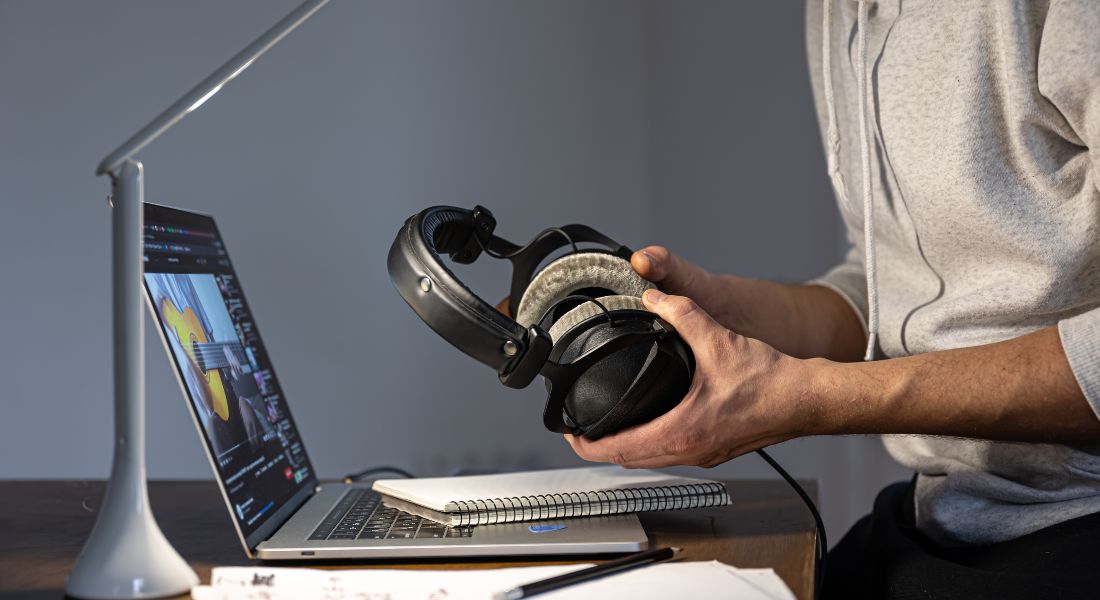
You could have the most brilliant script and the most innovative product on the market but if your demo video looks or sounds amateurish, your message will get lost. Viewers are surprisingly quick to judge production quality. Echoey audio, harsh shadows, shaky footage, or a blurry screen recording can instantly signal a lack of professionalism and make people question your brand’s credibility. In fact, poor production quality doesn’t just distract it actively undermines trust in your product.
Think of it this way: your demo video isn’t just showcasing your features it’s also representing your standards. If your video feels sloppy, viewers may (even subconsciously) assume your product is too.
Fix it:
You don’t need a massive budget or a full production team to make your demo look and sound great. A few simple upgrades can go a long way. Invest in a decent USB microphone clean audio is often more important than perfect visuals. Use a basic tripod to stabilise your camera or phone, and light your scene with natural light or affordable LED panels to eliminate harsh shadows and create a crisp, clean look. For screen recordings, use high-resolution capture tools and avoid laggy, low-framerate walkthroughs. With a bit of care and consistency, even DIY setups can rival studio-quality results and make your product shine.
4. Overloading with Information
One of the fastest ways to lose your audience is by cramming too much into a single demo video. It’s tempting to showcase every feature, highlight all your selling points, and answer every possible question in one go but that approach usually backfires. When a video tries to be everything at once, it ends up feeling cluttered, rushed, and difficult to follow. Instead of leaving viewers informed and impressed, it leaves them overwhelmed and unsure about what to focus on.
The reality is that people have limited cognitive bandwidth. If your demo jumps from one topic to another without a clear through-line, viewers will struggle to retain anything. Worse, they may tune out altogether. A scattered message gives the impression that your product and your team lacks focus.
Fix it:
Choose one core message for your demo video and build everything around it. Ask yourself: What’s the single most important thing I want the viewer to remember or do after watching this? Then strip away anything that doesn’t directly support that goal. Keep explanations concise, visuals clean, and the structure easy to follow. If you have multiple features or messages to highlight, consider breaking them into a series of short, targeted videos instead of one long, information-heavy piece. This not only improves clarity but also makes your content easier to distribute, repurpose, and personalise for different audience segments.
5. Weak Call to Action (CTA)
You’ve successfully walked the viewer through your product, demonstrated its value, and kept their attention all the way to the end great! But if you don’t tell them exactly what to do next, all that effort could go to waste. A surprising number of demo videos end on a vague or passive note, with weak phrases like “Thanks for watching” or no call to action at all. This leaves viewers hanging and unsure of what steps to take, which often means they take none at all.
Remember, a demo video isn’t just a showcase it’s a conversion tool. If it doesn’t nudge the viewer toward a next step, you’re leaving valuable engagement (and potential sales) on the table.
Fix it:
End your demo video with a strong, clear, and specific call to action. Whether it’s “Start your free trial,” “Book a live demo,” “Download the app,” or “Get in touch with our team,” your CTA should tell the viewer exactly what to do and what they’ll get in return. Reinforce it both visually and verbally use bold on-screen text, a clickable button (if the platform supports it), and direct language from your presenter or voiceover. You can even repeat the CTA twice once right before the ending and again as a final reminder. And if appropriate, create a sense of urgency with phrases like “limited-time offer” or “start today.” A well-placed CTA not only wraps up your video cleanly, but also turns interest into action.
6. Forgetting Mobile Viewers

With a significant portion of video content now consumed on smartphones and tablets, designing your demo video exclusively for desktop viewers is a costly oversight. If your on-screen text is too small, interface details are hard to see, or visuals appear cramped, mobile users will quickly disengage or miss key information. Unfortunately, many demos are still edited with only large screens in mind, resulting in a frustrating viewing experience for anyone on the go.
Mobile viewers typically watch videos in portrait or landscape orientation, often without sound and sometimes in distracting environments. If your content isn’t optimised for this context, you’re missing out on a huge slice of your audience and possibly alienating them in the process.
Fix it:
Design your demo with mobile-first principles in mind. Use large, legible fonts that remain easy to read on small screens. Ensure high contrast between text and background to improve readability in all lighting conditions. Frame your visuals tightly focus on essential UI elements or actions, and avoid wide shots that shrink your content down to an unreadable blur. If you’re using screen recordings, consider zooming in on key areas or using callouts to highlight important interactions. Also, add captions or text overlays so the video still communicates effectively even when watched without audio. By prioritising mobile accessibility, you make sure your demo is engaging and effective for users no matter where or how they’re watching.
7. No Emotional Connection
Even the most logical product demos need a touch of emotion. Why? Because people don’t make decisions based solely on features or pricing they make them based on how something makes them feel. If your demo is too dry, robotic, or transactional, it may convey the facts but fail to inspire action. A flat presentation that simply goes through the motions won’t resonate with viewers or leave a lasting impression.
Humans are wired to respond to emotion, whether it’s through a relatable struggle, a sense of relief, or the excitement of discovering a solution. Without that emotional layer, your video becomes forgettable even if your product is excellent.
Fix it:
Add personality and empathy to your demo through storytelling. Show a scenario your audience recognises one that mirrors their daily frustrations, challenges, or goals. Then position your product as the hero that steps in and solves the problem. Use real user stories, testimonials, or animated characters to bring situations to life and spark connection. Even the tone of your voiceover or on-screen presenter matters: aim for warmth, enthusiasm, and clarity. Subtle touches like background music, friendly visuals, or humour can also help make your demo feel more human, more approachable, and ultimately more persuasive.
8. Ignoring Brand Consistency
A demo video isn’t just a sales tool it’s a brand experience. When your video lacks consistent branding, it can confuse viewers, weaken your credibility, and make your product seem disconnected from the rest of your company’s identity. Inconsistent colours, mismatched fonts, or a tone that feels out of sync with your website or other marketing content can be jarring. Even if viewers don’t consciously notice every visual discrepancy, they’ll feel the lack of cohesion and that erodes trust.
Think of your demo as a branded touchpoint. It should visually and emotionally reflect who you are as a company, reinforcing recognition and building familiarity with every second of screen time.
Fix it:
Follow your brand guidelines closely throughout the entire demo. That includes using your official colour palette, typography, logo placement, and brand tone of voice. From your opening scene to your final CTA, make sure every element aligns with your visual identity and messaging style. If your brand is known for being bold and playful, let that shine through in the script and animations. If you’re a premium, minimalist SaaS brand, reflect that in the sleekness of your design and tone. Don’t forget audio, either music and voiceover style should match your brand personality. Consistency builds trust, recognition, and professionalism and makes your demo feel like a polished extension of your brand.
9. Showing Instead of Guiding
Simply displaying your product’s interface clicking around menus, opening tabs, or dragging items on a screen without any explanation might seem straightforward, but for most viewers, it’s not enough. A silent screen recording or vague visual walkthrough leaves people guessing at what’s happening, why it matters, or how it solves their problem. It assumes the viewer can connect all the dots on their own, which rarely happens especially if they’re new to your product or unfamiliar with the interface.
Remember, your audience isn’t watching just to see what your product looks like they’re watching to understand how it works and what it can do for them. Without proper guidance, even the best-designed UI can feel confusing or intimidating.
Fix it:
Think of yourself as a guide, not just a presenter. Use a friendly and informative voiceover to explain what the viewer is seeing and why it matters. Narrate each key step or action, focusing not just on what’s happening, but what problem it solves or what benefit it provides. Reinforce this narration visually using on-screen text, callout animations, cursor highlights, or arrows to draw attention to important elements. Subtitles can further support understanding especially for viewers watching without sound. This layered approach helps different types of learners (visual, auditory, etc.) follow along more easily and ensures no one is left behind. A guided demo transforms a passive viewing experience into an engaging, informative journey.
10. Making It Too Long
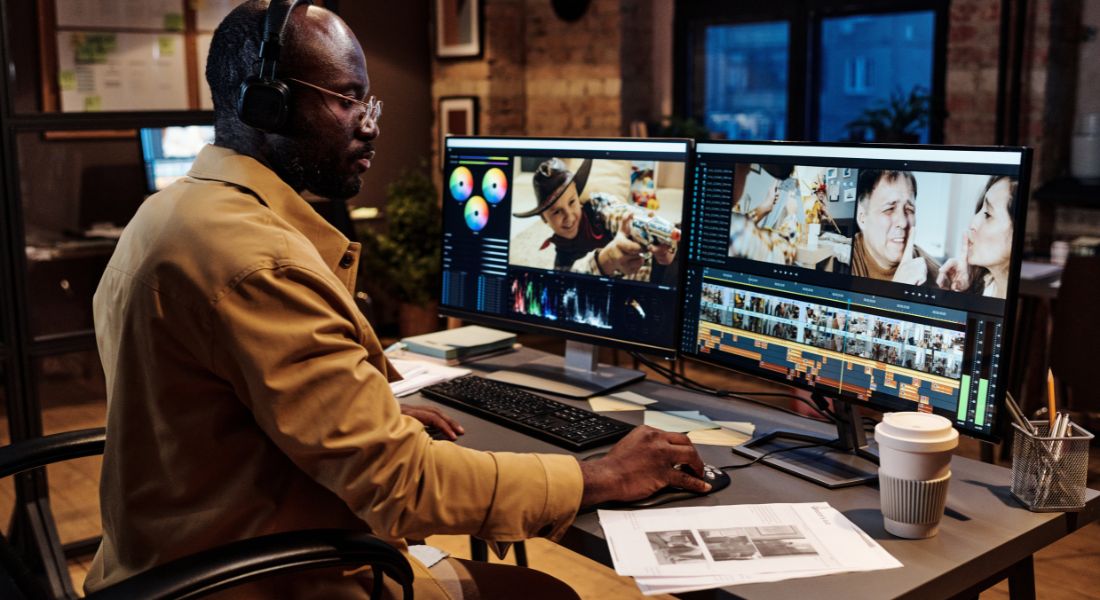
Attention spans are shorter than ever especially online. If your demo drags on for five, six, or even ten minutes, chances are your audience won’t stick around long enough to see your strongest selling points. Even the best product in the world can’t hold someone’s interest if the video takes too long to get to the point. Long-winded demos often include unnecessary detail, repetitive explanations, or drawn-out intros that dilute the message and exhaust the viewer.
Your demo doesn’t need to say everything it just needs to say enough to spark interest and action.
Fix it:
Keep your demo sharp and focused. Aim for a length of 1 to 2 minutes enough time to hook your audience, showcase the main value, and deliver a clear call to action. Be ruthless about cutting anything that doesn’t serve the core message or move the story forward. Skip the fluff, trim the pauses, and condense explanations where possible. Start with the problem, quickly show the solution, and wrap up with next steps. If you need to go deeper into specific features or use cases, consider creating separate short videos tailored to those areas. Remember: it’s better to leave viewers wanting more than to risk losing them before they see your product shine.
Final Thoughts: Polish, Don’t Punish: Fix Your Demo Video Mistakes
If your demo video isn’t converting, chances are one of these mistakes is the culprit. But the good news? They’re all fixable. Tighten your message, polish your production, and lead with clarity. Feel free to reach out to our demo video company to elevate your video content and achieve stronger results.
