

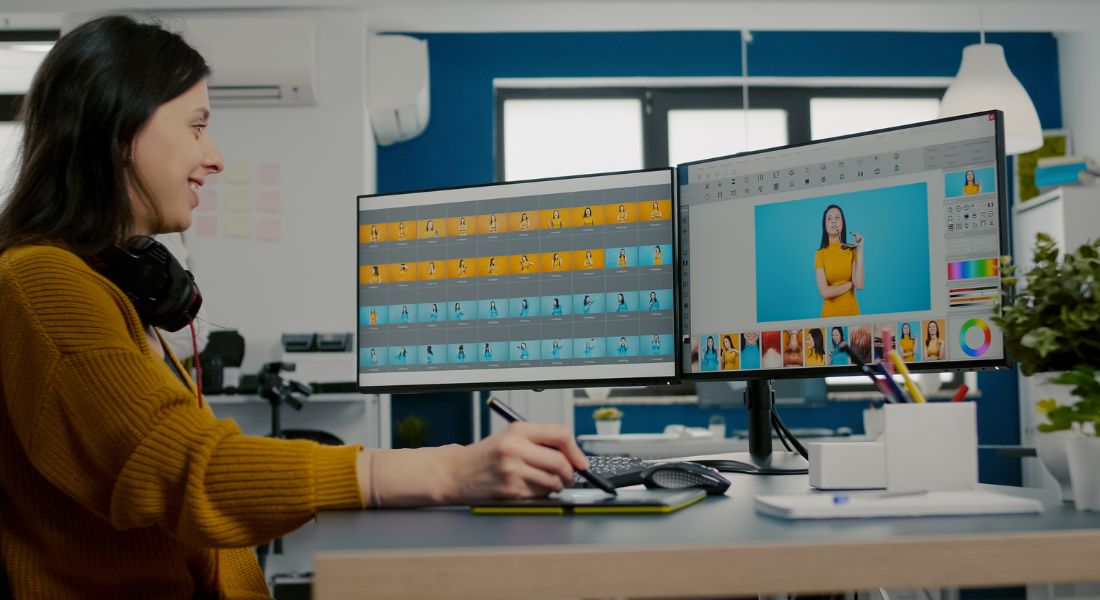
If you’ve ever spent hours trying to cut a long video down into something short, punchy, and social media-friendly, you know how exhausting and time-consuming it can be. I’ve been there scrubbing through hours of footage, replaying sections over and over, trying to find that perfect 60-second segment that actually works for Instagram Reels or TikTok. It’s not just about trimming it’s about finding the right moments, creating a compelling hook, and editing for speed, clarity, and impact. And let’s be honest: doing all of that manually? It’s draining.
Here’s the truth: long-form content is gold. Whether it’s a webinar, podcast episode, interview, panel discussion, or tutorial, this kind of content is packed with insights and value. But social media doesn’t have the time or the attention span for it. That’s the challenge: how do you take something long and thoughtful, and turn it into something short, sharp, and shareable?
That’s where AI comes in.
In this guide, I’ll walk you through exactly how to use AI tools like Sora, Opus Clip, Veed, and Wisecut to transform your long videos into bite-sized social media content designed for platforms like TikTok, Instagram Reels, and YouTube Shorts. These tools don’t just trim video they help identify the most engaging moments, auto-generate captions, reformat your footage for vertical viewing, and even suggest viral-style hooks and headlines. It’s like having a personal video editor who works 10x faster.
You’ll learn how these tools work, what to look for in a good AI repurposing platform, and how to automate your post-production workflow so you can go from a 45-minute recording to 10 or more scroll-stopping clips all without losing your mind.
Let’s dive in and turn that long-form goldmine into a steady stream of high-performing, social-ready content.
Why Repurpose Long Videos for Social Media?

You’ve already put in the work filmed the webinar, recorded the interview, or produced the tutorial. That’s a huge effort. Now imagine getting 10–20 new pieces of content from that one video, each optimised for reach and engagement.
That’s what repurposing does. And here’s why it matters:
- Social platforms prioritise short-form video
TikTok, Reels, and Shorts are dominating attention spans. Short videos are more likely to go viral and get shared. - Different formats reach different audiences
Someone might skip your 30-minute YouTube video but happily watch a 60-second highlight on Instagram. - More content, less effort
You don’t need to shoot something new just rework what you already have. - Improved ROI on production
Get more mileage from your footage without spending more money.
Step 1: Identify the Right Long-Form Content
Before you even touch an AI tool, the first and most important step is figuring out which long-form videos are actually worth repurposing. Not every video needs to be turned into a dozen short clips and honestly, not every video should be. Some long-form content is better left as-is, especially if it’s highly technical, too niche, or lacks the kind of visual or verbal “punch” that stops thumbs from scrolling.
When I’m looking to create short-form content from a longer video, I always start with material that already has strong potential either because it performed well with my audience, contains lots of value, or is structured in a way that naturally breaks down into standalone pieces.
Here are the types of long-form content that work best for repurposing:
- Podcasts or Interviews: These are goldmines for short clips. Conversations often contain unscripted, authentic moments soundbites that are funny, insightful, controversial, or emotionally charged. AI tools are great at identifying these quotable sections and turning them into compelling reels or shorts.
- Webinars or Live Streams: These are usually packed with multiple discussion points, audience Q&As, and spontaneous interactions. They may run 30–60 minutes or more, making them perfect for slicing into smaller, value-packed segments that each tackle a different angle or question.
- Tutorials and How-To Videos: These break up beautifully into step-by-step instructions or tip-based micro-content. A 20-minute tutorial can easily be turned into five or more short clips, each focused on a single technique or insight that’s easy to consume and apply.
- Product Demos: These are especially useful for marketing teams. AI can help pull out key product benefits, user reactions, feature highlights, or before/after comparisons that catch attention fast on platforms like Instagram or TikTok.
- Speaking Events, Presentations, or Keynotes: These often contain high-impact soundbites, bold opinions, and motivating messages. Whether it’s a mic-drop quote or a memorable metaphor, AI tools can isolate the parts of your talk that resonate most and package them for personal branding or thought leadership.
The bottom line is: start with content that’s already doing some of the work for you. If the video is packed with energy, insight, or value, it’s a great candidate for AI-powered repurposing. Once you’ve chosen the right content, it’s time to let the tools do their thing and help you uncover the best parts without manually digging through every second of footage.
Step 2: Use AI Tools to Find the Best Moments
Gone are the days of manually scrubbing through long videos to find clip-worthy content. With today’s AI tools, you can automatically scan your footage to identify the most engaging, high-impact sections saving you hours of editing time.
Some of my go-to tools include Opus Clip, which automatically detects hooks, highlights, and assigns virality scores, making it perfect for podcasts or thought leadership content. Sora is ideal for webinars and tutorials, as it can cut, resize, caption, and even add subtitles to your footage. For interview-style content or recorded lessons, Descript is incredibly useful. It works from a transcript and even lets you edit video by editing text, with helpful features like “Remove Filler Words.” Finally, Pictory excels at converting long videos into short, digestible summaries, which is especially useful for explainer or sales videos.
Here’s how these tools typically work: First, you upload your long-form video. The AI then analyzes various elements such as speech patterns, engagement points, pacing, and even facial expressions. Based on that analysis, it generates 15- to 60-second clips that include emotional highlights, strong hooks, or summary-worthy moments.
These tools use natural language processing (NLP) to understand what’s being said and more importantly, what matters most to your audience.
Step 3: Edit and Optimise for Each Platform
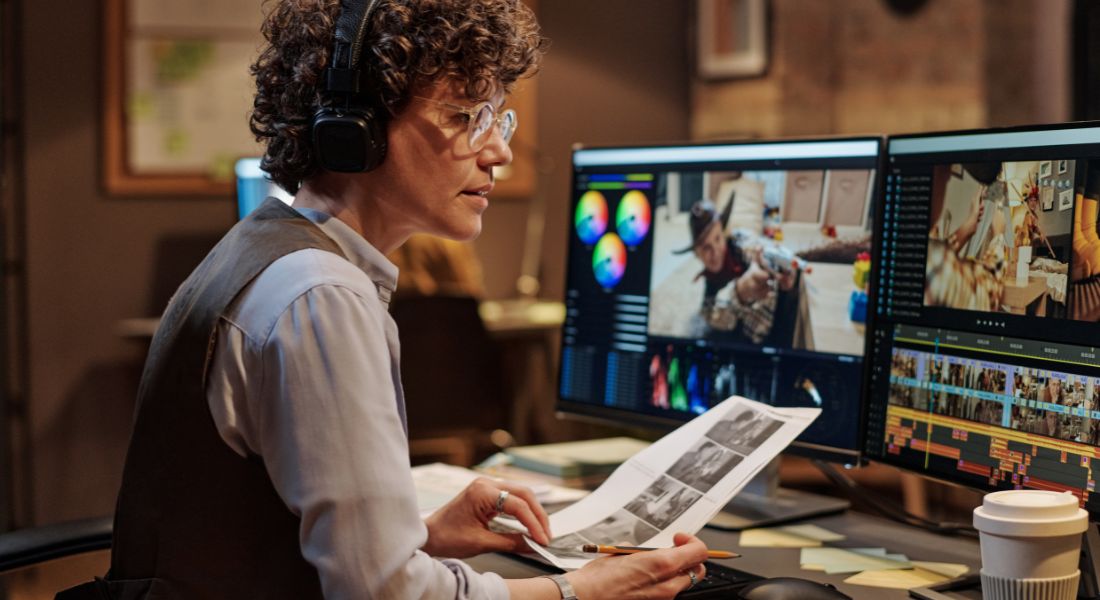
Now that you’ve got your clips ready, it’s time to optimise them for different social media platforms. Simply cutting your video isn’t enough each platform has its own specifications, audience preferences, and little quirks that can impact performance. To help, here’s a quick cheat sheet that I always refer to.
TikTok, Instagram Reels, and YouTube Shorts all favour a 9:16 aspect ratio (full vertical) and have a general time limit of 60 seconds. TikTok lets you go up to a minute and performs best when you add on-screen text and trending audio. For Instagram Reels, it’s important to use bold captions and jump cuts to keep people watching. YouTube Shorts also follows the 9:16 format with a 60-second limit, but the key is to hook the viewer within the first 3 seconds to avoid drop-off.
LinkedIn is a different beast. It allows for either a 1:1 square or 4:5 vertical ratio and gives you 1 to 2 minutes. The key here is to make your headline appear upfront grab attention early for busy professionals scrolling their feeds. Facebook, on the other hand, supports both 1:1 and 4:5 formats, with clips ranging from 60 to 90 seconds. It’s essential to use captions and include a logo watermark to help with branding.
When I edit clips, there are a few rules I always stick to:
- Captions are a must most users watch without sound.
- Bold headlines grab attention instantly, especially in the first 3 seconds.
- Logo or branding should be subtle but consistent across all platforms.
- Always include a call to action, like “Follow for more,” or “Watch the full episode,” to encourage deeper engagement.
Many AI tools can even auto-generate captions, headlines, and overlays, saving you even more editing time.
Step 4: Add AI Voiceovers or Music (Optional)

Not every clip you create will have perfect audio. Maybe there’s background noise, a gap in the conversation, or just a moment where silence feels awkward. In other cases, you might want to enhance your message by narrating key points or adding a more polished, professional tone to your video. That’s where AI voiceover tools come in they allow you to add narration quickly, without needing a studio or voice actor.
These tools have come a long way in recent years. Today’s AI voice generators offer realistic speech patterns, natural pacing, and even emotional tone control. Whether you’re producing short social content or a product explainer, AI voiceovers can help give your clips a clear, confident voice.
Here are some of the top AI voice tools I recommend:
- ElevenLabs: Known for its incredibly realistic voice cloning capabilities, this tool lets you generate audio that closely mimics real human speech. You can also adjust tone, pitch, and emotion, making it ideal if you want to match your brand’s voice or recreate your own speaking style.
- Murf.ai: This platform is perfect for marketers. It’s designed with use cases like explainer videos, product demos, and corporate training in mind. It also includes background music and slide syncing features to streamline production.
- Lovo.ai: Lovo stands out for its wide range of emotional voice styles and the ability to layer in sound design elements. It’s a great fit for storytelling-driven clips or content that needs a little extra flair to stand out.
On the other hand, if your clip is mostly visual say, a time-lapse, product showcase, or tutorial segment you may not need a voiceover at all. Instead, adding background music can dramatically improve how engaging the video feels. A well-chosen track sets the mood, drives pacing, and helps hold your viewer’s attention from start to finish.
For this, you don’t have to compose music or hire a composer. You can explore royalty-free music libraries or even AI-generated tracks that adapt to your content’s tone. Some great options include:
- Epidemic Sound: Offers a massive catalog of music and sound effects with a commercial license, perfect for YouTube, Instagram, or branded content.
- Artlist: Known for its high-quality music and easy-to-navigate interface, ideal for content creators who want cinematic-style audio.
- Soundraw: An AI-powered platform that helps you generate music tailored to the mood, genre, and energy level of your content.
Whichever option you choose voiceover, music, or both always make sure that the audio enhances your message, not distracts from it. The tone should reflect your brand identity and speak directly to the audience you’re trying to reach.
Remember, less is often more. A simple voiceover explaining a benefit or a light music bed behind visual content can make your clip feel polished and professional without overwhelming the viewer.
Step 5: Automate and Scale Your Workflow
Once you’ve gone through the process of turning a long-form video into short, scroll-worthy social clips, you’ll realize just how powerful this approach can be. But if you’re creating content regularly as most brands and creators should you’ll also see how quickly it can become repetitive and time-consuming if you’re doing every step manually.
That’s why automation is the key to scaling. With a smart, streamlined system in place, you can save hours each week and focus your time where it matters most reviewing and refining content instead of getting bogged down in repetitive tasks.
Here’s a sample automation workflow I use that keeps everything running smoothly in the background:
- Upload the long-form video to a cloud service like Google Drive or Dropbox. This is your central hub where all raw content lives.
- Trigger an automation with Zapier or Make.com to send that video file directly to your chosen AI editing tool, such as Sora or Opus Clip. This eliminates the need to log in and manually upload files every time.
- The AI tool processes the video, analyzing it and extracting 5–10 short clips that include hooks, emotional moments, or key takeaways. These clips are usually pre-formatted for platforms like TikTok, Reels, or Shorts.
- Clips are automatically exported to content collaboration platforms like Canva or Frame.io. This allows for any final branding tweaks, caption editing, or design overlays all without you needing to move files between tools.
- Schedule the finished content using publishing tools such as Buffer, Metricool, or Hootsuite. These tools let you plan out your posts across all social platforms from one dashboard and even provide analytics to help refine future strategy.
Step 6: Test Different Hooks and Formats
Once your clips are live, don’t just forget about them. Watch the metrics.
Try posting variations of the same clip with:
- Different hooks (“Did you know?” vs “Here’s why…”)
- Different thumbnails
- Different formats (square vs portrait)
- Different background music or subtitles
A 10% difference in hook wording can double your views or engagement.
You can also A/B test clips in paid ad campaigns to see which version performs best.
Step 7: Link Back to Full Content
One of the biggest mistakes creators and marketers make when posting short-form video content is forgetting to guide viewers toward the bigger picture. Remember, your short clips are just the beginning they’re teasers, highlights, and bite-sized previews designed to spark interest. But once someone’s hooked, you need to give them a clear path to dive deeper.
That’s why linking back to your original long-form content is so important. Whether your main video is a full podcast episode, a webinar, a keynote, or a tutorial, you want to make sure your audience knows there’s more value waiting for them. Think of short-form content as the trailer and the full version as the movie.
The simplest way to do this is by adding clear, direct calls to action either in the video overlay, the captions, or the post copy itself. Here are a few examples that work well:
- “Watch the full episode on YouTube” – Great for podcast or interview-style content.
- “See the full webinar at [YourWebsite.com/WebinarTitle]” – Ideal for educational or B2B content where the audience may want deeper context.
- “New video out now link in bio” – Perfect for platforms like Instagram or TikTok where direct links in captions aren’t clickable.
- “Full tutorial on our channel – don’t miss it!” – Encourages people to engage further with your YouTube or website content.
You can also use tools like Linktree, Beacons, or custom landing pages to consolidate links and make it easy for viewers to find the full content with one tap.
Bonus: Tips for Specific Video Types
For Podcasts
- Use speaker name overlays.
- Highlight bold opinions or surprising answers.
- Include reaction shots for authenticity.
For Webinars
- Cut audience Q&A into mini clips.
- Focus on pain points and solutions.
- Add timestamp teasers like “Skip to 12:43”.
For YouTube Tutorials
- Clip out tips, one-liners, or “aha” moments.
- Add step numbers with bold text.
- End with: “Want more? Full tutorial in description.”
Final Thought: From Long-Form to Scroll-Stopping Clips
Repurposing long videos into short-form content used to be a huge time drain. But with AI tools like Opus Clip, Sora, and Descript, it’s now fast, scalable, and incredibly effective. You don’t have to be a full-time editor or social media expert to keep your content flowing. Just upload, let the AI do its thing, tweak a few details, and boom you’re suddenly everywhere.
If you’re ready to turn your content into a powerful, multi-platform engine, Connect with our video production company in London to take your content to the next level with expert creativity and polish.
