

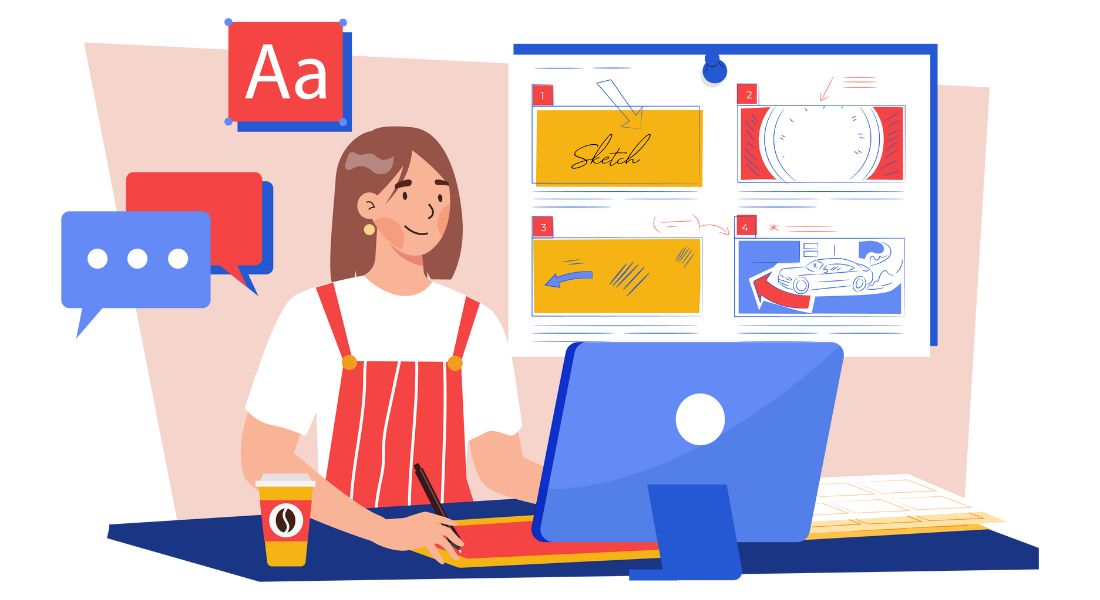
Every great animation begins long before the first character takes shape or the first frame is rendered it starts with a clear vision and a structured plan. Storyboarding is the foundation of that plan, serving as a visual blueprint that maps out the narrative step-by-step. Through a sequence of illustrated panels, a storyboard captures how each scene will unfold, showcasing the timing, camera angles, character positioning, key actions, and emotional tone of the story. In many ways, it is the bridge between the written script and the fully realized animation, turning words into visual direction.
A good storyboard doesn’t just tell the team what will happen it shows how it will happen. It gives directors, animators, editors, and even sound designers the ability to imagine the finished product before any production work begins. This is critical because animation is often time-consuming and expensive to revise once in motion. By identifying issues with pacing, framing, or continuity early on, storyboarding prevents costly rework and keeps the project on schedule.
Storyboarding also serves as a collaborative tool, aligning everyone involved in the production process. From the creative team to the technical crew, having a shared visual guide ensures that artistic choices, narrative beats, and scene transitions are understood and agreed upon before production starts. This collaborative clarity is especially vital in larger projects such as feature-length animations, animated TV series, or high-budget advertising campaigns where multiple departments and specialists work together over long periods.
In animation, storyboarding holds an even greater importance compared to live-action filmmaking. While live-action directors can experiment on set with lighting, camera placement, and actor performances, animators must create everything from scratch. The storyboard becomes their sandbox for experimentation, allowing them to test different perspectives, comedic timings, dramatic beats, and even color palettes (in colorized boards) without committing to final animation. This flexibility encourages creativity while minimizing waste.
1. What Is Storyboarding?
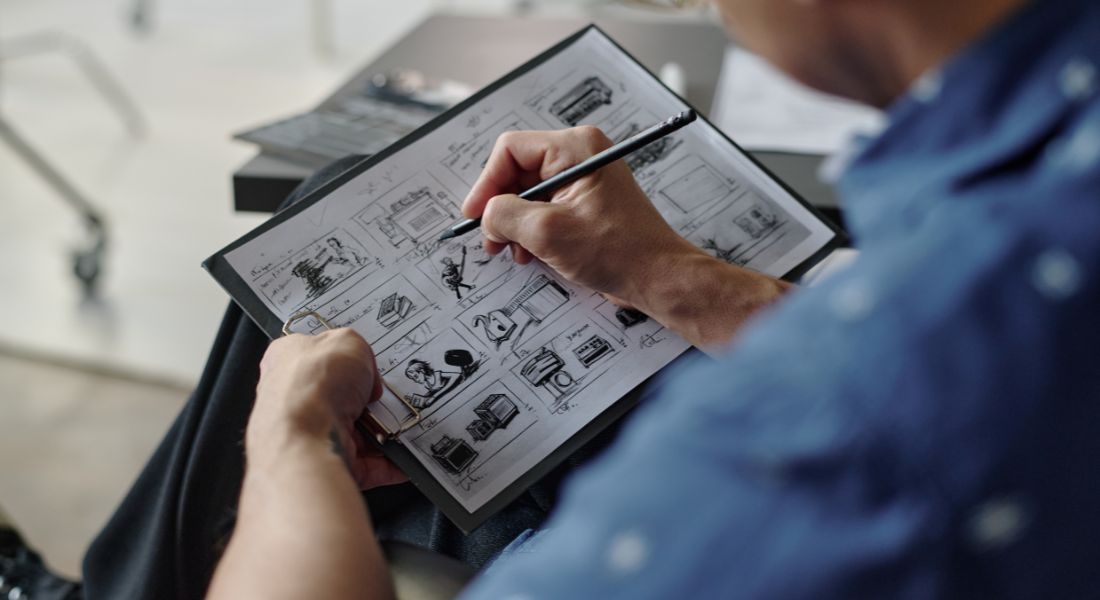
A storyboard is a structured sequence of illustrated panels either hand-drawn or digitally created that visually maps out the key moments of an animation project before the actual production process begins. It serves as the blueprint of the animation, translating written scripts, concepts, or even rough ideas into a clear and organized visual plan. Each panel represents a shot or scene, showing details such as character placement, camera angles, movement paths, backgrounds, transitions, and the overall mood of the moment.
In essence, a storyboard acts as the director’s first cut a chance to see the flow of the story in pictures before investing time, resources, and effort into final animation. For each frame, it can communicate not just the action taking place, but also subtler elements such as the pacing of dialogue, the rhythm of movement, and the emotional beats that give the story depth. An effective storyboard can even include notes for sound effects, lighting cues, or musical transitions, ensuring that every member of the production team is aligned with the creative vision.
In animation, storyboarding is particularly important because, unlike live-action filming, there’s no physical set or camera to experiment with during production. Every detail from the way a character blinks to the angle of a sweeping background shot must be carefully planned. Without a storyboard, animators risk spending hours creating sequences that might later need to be redone, resulting in delays and budget overruns. By planning out each shot visually, teams can spot continuity errors, awkward transitions, or unnecessary scenes early and make quick, low-cost adjustments.
The process of creating a storyboard is also a collaborative one. Writers, directors, storyboard artists, and animators work together to ensure that the visual flow matches the tone and message of the script. In larger productions, such as feature films or episodic animated series, multiple storyboard artists might be assigned to different sections, with a supervising director ensuring that the style and storytelling remain consistent throughout.
Storyboards can range from extremely simple sketches with minimal detail used mainly to establish basic shot composition to highly polished, colorized frames that resemble comic book art, providing a strong sense of the finished look. In modern production pipelines, storyboards often evolve into animatics moving versions of the boards timed with temporary audio tracks allowing teams to preview the pacing and refine timing before full-scale animation begins.
Whether you’re creating a fast-paced animated commercial, a whimsical children’s cartoon, a cinematic short film, or a large-scale animated series, storyboarding is the step that turns creative ideas into a practical production guide. It ensures that the team starts with a shared understanding of what the audience will see and feel making it an indispensable part of any successful animation project.
2. Why Storyboarding Matters
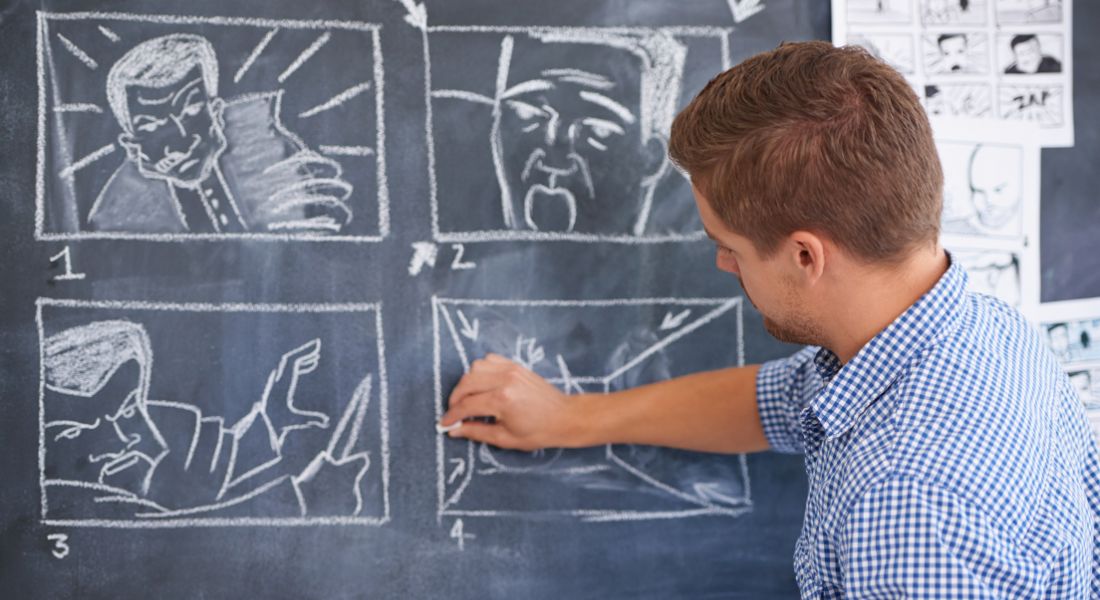
Storyboarding is far more than a simple pre-production formality it’s the creative and strategic backbone of an animation project. It shapes the vision, guides the workflow, and helps transform raw ideas into a coherent, visually compelling story. Without this step, even the most imaginative scripts can end up poorly executed, leading to miscommunication, production delays, and budget overruns. Here’s why storyboarding holds such importance:
1. Visual Planning
At its core, storyboarding provides a visual map of the project before a single frame of animation is produced. It allows animators, directors, and producers to preview the story in sequence, ensuring the narrative flow works as intended. This pre-visualization helps answer critical questions: Does the story build tension at the right moments? Are transitions between scenes smooth? Is the pacing appropriate for the target audience? For instance, a comedy short might rely on quick cuts for punchlines, whereas a dramatic sequence might need lingering shots to build emotional weight storyboarding makes these timing decisions easier and more deliberate.
2. Time-Saving and Cost Efficiency
Animation is a meticulous art form, often requiring hours of work to produce just a few seconds of footage. Any mistake or change after production begins can lead to significant rework, which eats up time and money. Storyboards act as a safeguard by highlighting potential issues before animation starts. For example, if a scene is too complex to animate within budget or a camera movement feels awkward, it can be redesigned during the storyboard phase at minimal cost. This preemptive problem-solving reduces the need for revisions and ensures production stays on schedule.
3. Team Alignment and Communication
An animation project often involves multiple departments scriptwriters, storyboard artists, animators, background designers, voice actors, sound engineers, and editors sometimes spread across different locations or even continents. The storyboard acts as a common visual language that everyone can understand, regardless of their role. It keeps the entire team aligned on the project’s style, tone, and sequence of events. For example, a single storyboard panel showing a dramatic close-up of a character’s tearful face communicates instantly to the animator how the shot should be framed and to the composer what emotional tone the music should convey.
4. Creative Freedom with Controlled Structure
Although a storyboard is a plan, it’s not set in stone. It’s a flexible framework that allows artists to experiment without the risk of wasting production resources. Different camera angles, scene compositions, or character movements can be tested at this stage to see what works best. In some cases, storyboard artists will create multiple variations of the same scene so the director can choose the most effective version. This balance between structure and flexibility often leads to more innovative and dynamic storytelling.
5. Enhancing Storytelling Quality
Storyboarding is also a tool for refining the emotional and narrative impact of a story. It forces the creative team to think visually, deciding not only what happens in each scene, but how it happens. For example, showing a character’s hands trembling before revealing their face can build suspense and emotional depth in a way that dialogue alone cannot. Storyboarding ensures such details are planned and intentional, rather than accidental.
In summary, storyboarding matters because it lays the groundwork for a smooth, efficient, and creatively fulfilling production. It prevents misunderstandings, reduces wasted effort, and ensures that everyone involved is working toward the same artistic vision while still allowing room for creativity to flourish. Without it, animation projects risk losing coherence, overshooting budgets, and missing the emotional mark with audiences.
3. Key Elements of a Storyboard
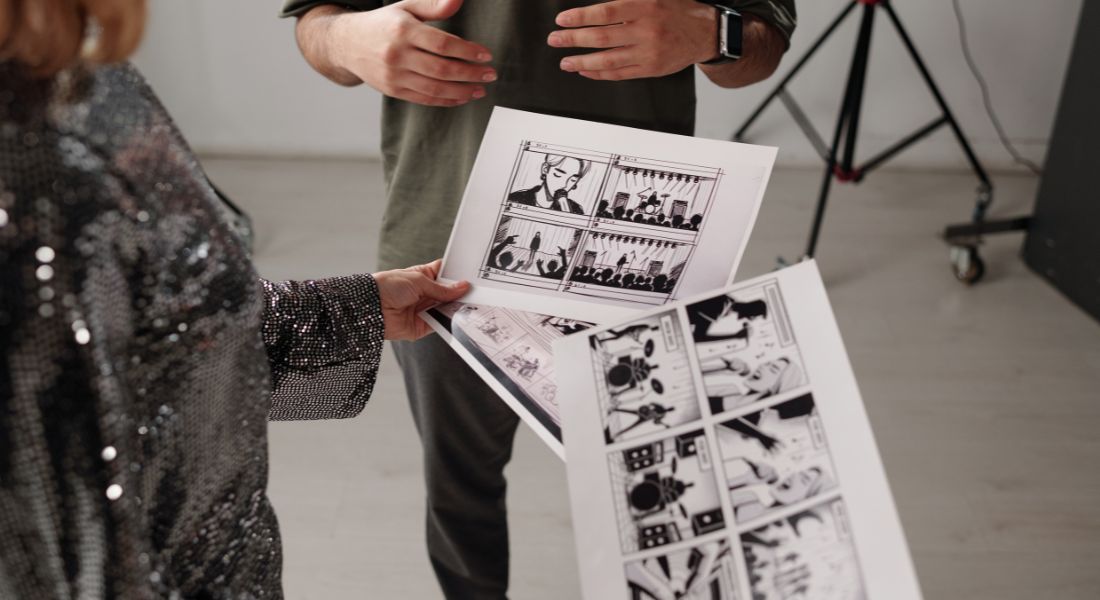
A storyboard is not just a collection of random sketches it’s a carefully constructed guide that blends visuals with technical and creative notes to direct the flow of an animation. Every panel serves a purpose, helping the team visualize the final product before any animation begins. While different productions may add their own variations, most professional storyboards share the following essential components:
1. Frames or Panels
The frames or panels are the building blocks of a storyboard. Each one represents a specific shot, scene, or key moment in the animation. These panels are placed in sequence, mimicking the way the audience will experience the story on screen. The drawings don’t always need to be highly detailed; even quick sketches can be enough to convey composition, movement, and mood.
- Example: A close-up panel of a character’s eyes narrowing can convey suspicion or determination, while a wide shot panel showing a forest clearing can establish the setting before the action begins.
- In animation, the number of panels can vary greatly simple scenes may only need one or two, whereas fast-paced sequences might require dozens to capture every beat.
2. Action Notes
Action notes describe exactly what is happening within the frame. They can detail character movements, gestures, facial expressions, camera moves, or environmental changes. These notes often appear beneath or next to the frame to make them easy for animators to reference.
- Example: “Character runs from left to right, tripping over a log, dust rising from the ground.”
- Action notes can also include camera directions, such as “camera pans upward to reveal the moon” or “zoom in on the object in the character’s hand.”
By being precise here, production teams can ensure consistency even if multiple animators work on different parts of the same sequence.
3. Dialogue and Sound Cues
Dialogue and sound cues ensure that the visuals align perfectly with the audio. Dialogue is usually placed in quotation marks alongside the panel, while sound effects (SFX) and music cues are written in brackets or italics.
- Example: Panel 4 might include: “CHARACTER: ‘We’re almost there!’” followed by “(SFX: loud thunder crack).”
- Including these cues early helps directors and sound designers plan the audio track alongside the visuals, making it easier to synchronize lip movements, dramatic pauses, or comedic beats with the on-screen action.
4. Timing Information
Timing is crucial in animation, where even a fraction of a second can change the feel of a scene. Storyboards often note the intended duration of each shot, expressed in seconds or animation frames (with 24 frames per second being standard for film-quality animation).
- Example: A reaction shot might be marked as lasting 1.5 seconds to allow the audience to register a character’s shock, while an action shot might be marked for 0.3 seconds to maintain a fast, exciting pace.
Timing information becomes especially important when creating animatics, as it helps determine how long music cues, dialogue lines, or effects should run.
5. Additional Supporting Elements
Beyond the core elements, many storyboards also include extra visual aids to make the plan clearer:
- Camera Arrows: Indicate movements like pans, tilts, zooms, or tracking shots.
- Lighting or Mood Notes: Suggest lighting direction, shadow placement, or emotional tone for the scene.
- Color Indications: In color storyboards, swatches or annotations might show key palette choices to guide the art team.
- Transition Markers: Indicate cuts, fades, dissolves, or wipes between scenes.
These added details help ensure that the creative vision is not just understood but executed exactly as intended.
A well-constructed storyboard combines all of these elements into a single, unified tool that the entire production team can rely on. By laying out every shot’s composition, movement, audio, and timing, it eliminates guesswork, minimizes costly revisions, and ensures that the final animation flows seamlessly from start to finish.
4. Tips for Effective Storyboarding
Creating a storyboard is both an artistic and strategic process. The goal isn’t to produce a gallery of polished illustrations, but rather to create a functional, easy-to-interpret visual plan that clearly communicates the vision to everyone involved in production. Whether you’re working on a short commercial, a music video, or a full-length animated feature, the following tips can help you storyboard more effectively and efficiently:
1. Start Simple
In the early stages, don’t get bogged down with unnecessary details. Rough sketches are often enough to convey composition, character placement, and movement. At this stage, speed and clarity are more important than perfect proportions or shading. Starting simple allows you to focus on the big picture the sequence of shots, the pacing, and the overall storytelling before refining visuals later.
- Example: A stick-figure storyboard can still effectively show that a character jumps over a fence, lands, and runs into a forest if the movement arrows and panel flow are clear.
2. Focus on Key Moments First
Rather than drawing every single frame in chronological order, start by mapping out the most critical shots and transitions in the sequence. These “anchor points” provide a framework that you can fill in later. By identifying the major beats like the opening shot, the emotional climax, or a key action sequence you ensure that the narrative has a strong visual spine.
- Example: In an action scene, you might first storyboard the explosion, the character’s reaction, and the escape shot before adding the smaller connecting moments.
3. Use Consistent Symbols and Shorthand
Storyboards often include directional arrows, abbreviations, and visual cues to indicate movement, camera actions, or emotional changes. Using a consistent shorthand helps the whole team interpret the panels quickly and accurately.
- Common symbols include:
- Arrows for movement direction.
- “CU” for close-up, “WS” for wide shot.
- Dashed lines for eye-line direction.
- Curved arrows to show pans or tilts.
Consistency avoids confusion, especially when multiple storyboard artists or animators are working on the same project.
4. Incorporate Feedback Early
A storyboard is a planning tool its greatest value comes from how well it communicates ideas to the team. Share early drafts with directors, animators, and other collaborators before committing to the final version. This allows you to catch pacing issues, unclear actions, or unnecessary shots early in the process, when they’re much easier (and cheaper) to fix.
- Example: A director might suggest changing a static shot to a slow zoom-in to create more emotional impact. It’s much easier to adjust this at the storyboard stage than during full animation.
5. Tools for Storyboarding
Storyboarding can be approached in different ways depending on the animator’s style, project needs, and workflow preferences. Many artists still prefer traditional pen-and-paper sketches, as this hands-on method encourages creativity, spontaneity, and quick idea generation without the distraction of digital tools. It’s also ideal for brainstorming sessions or when working in environments where technology access is limited.
For those seeking flexibility and easy revisions, digital tools such as Storyboarder, Toon Boom Storyboard Pro, and Adobe Photoshop offer a wide range of features. These include layering, timeline organisation, and the ability to add notes directly onto frames, making the process more efficient and professional. Digital formats also make it simple to duplicate scenes, adjust camera angles, or experiment with different visual styles without starting from scratch.
In modern production environments, collaborative platforms play a vital role. Tools that enable multiple animators, directors, and creative leads to work together in real time can significantly speed up the process. Cloud-based solutions allow for instant updates, feedback sharing, and version tracking ensuring the whole team stays aligned on creative direction. Whether working remotely or in a shared studio, these platforms help maintain consistency and streamline communication throughout the animation pipeline.
Final Thought: Bringing Your Animation Vision to Life
Storyboarding is the cornerstone of any successful animation project. It transforms abstract ideas into a clear, visual roadmap, allowing animators, directors, and production teams to see the story unfold before committing to full-scale animation. By streamlining production, improving team communication, and enabling early problem-solving, storyboards save time, reduce costs, and help maintain consistency throughout the project.
If you’re aiming to elevate your animation projects to a professional level, If you want to take your animation to the next level, you can contact our animation company in London for professional guidance and support to bring your stories to life.
